Make MailOfficially work your way.
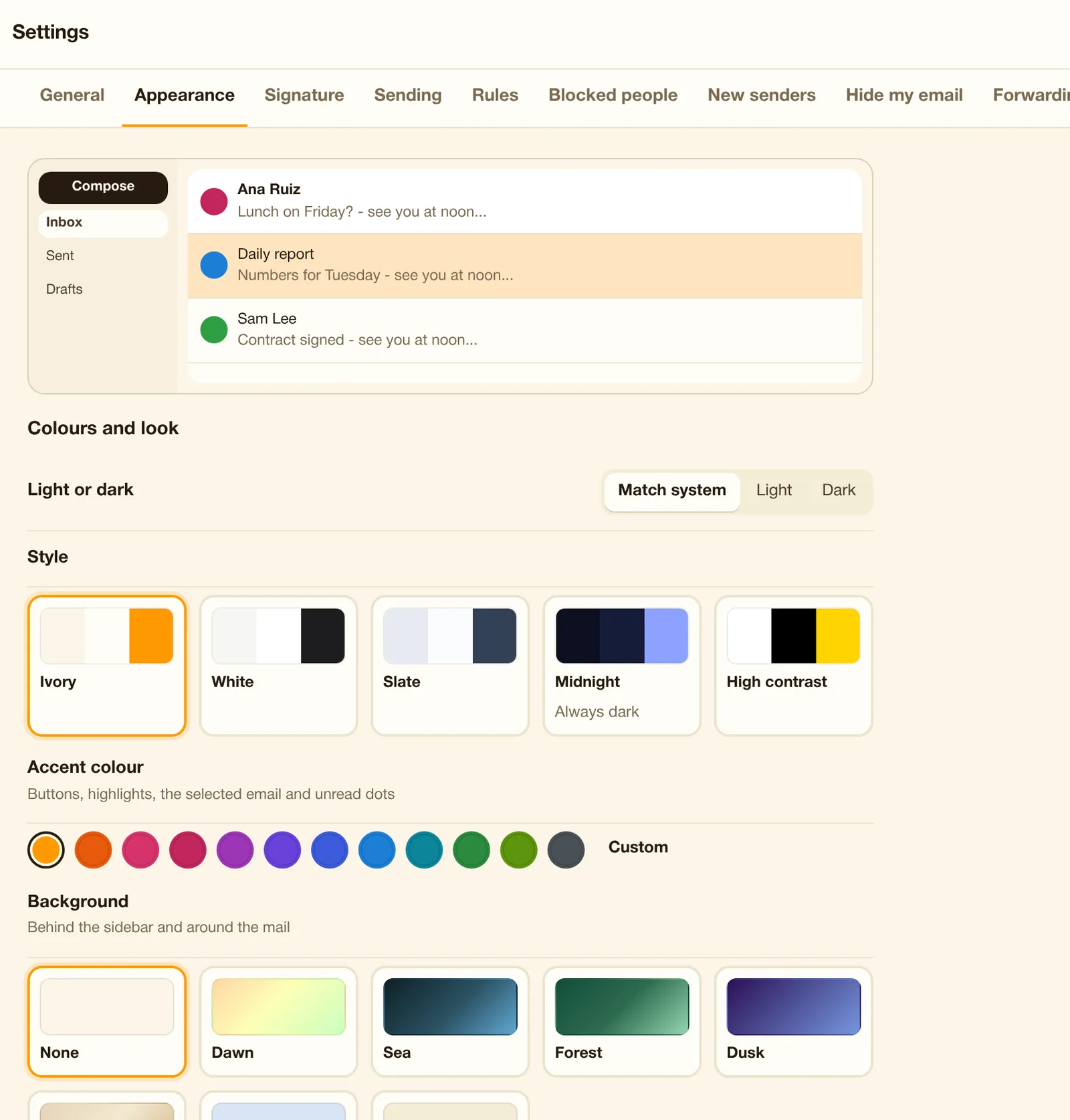
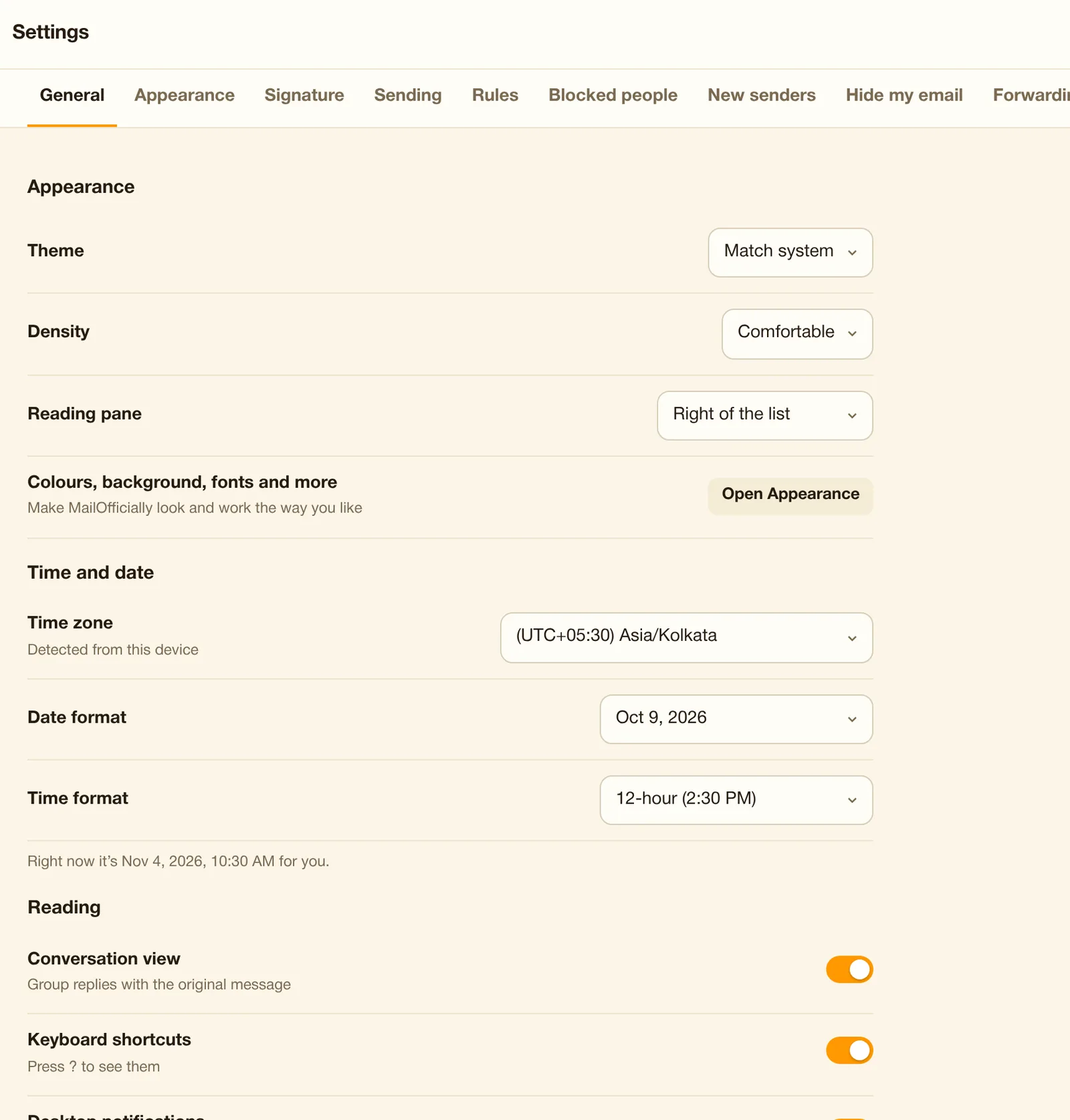
Light or dark, accent color, background photo, sidebar color, font and text size, density, list options, which apps show in the sidebar.
Use it when Switch to dark mode, pick your accent color and choose which apps show in the sidebar.
Mark as read timing, what happens after archive, default font for new emails, Reply vs Reply all.
Use it when Choose to mark mail as read after 3 seconds and to open the next email after archiving.
New mail sounds, "Only for emails from people" and quiet hours.
Use it when No new-mail sounds after 8 pm or at weekends.
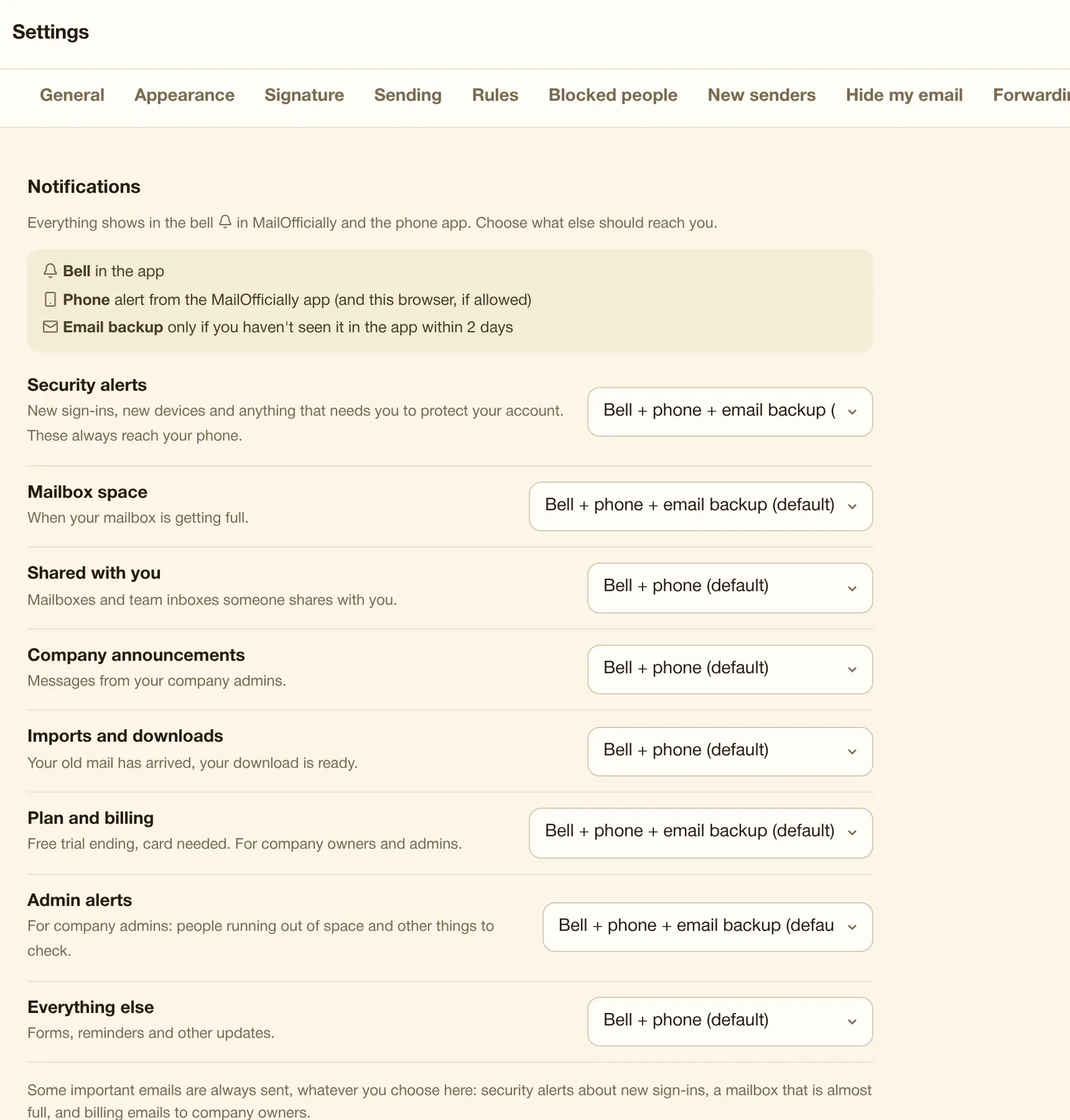
For each kind: bell only, bell + phone, or bell + phone + email backup. Security alerts always reach your phone.
Use it when Mentions ring your phone; Drive shares only show in the bell.
An email and phone alert when your account is used from a new device or place, with "Wasn't you? Change your password".
Use it when Someone signs in from a new country: you get an alert and a "Wasn't you?" button.
See every session and sign out anywhere, or "Sign out everywhere else".
Use it when You left yourself signed in at a hotel computer: sign it out from your phone.
Every recent sign-in with device and approximate place.
Use it when Check every recent sign-in with device and place.
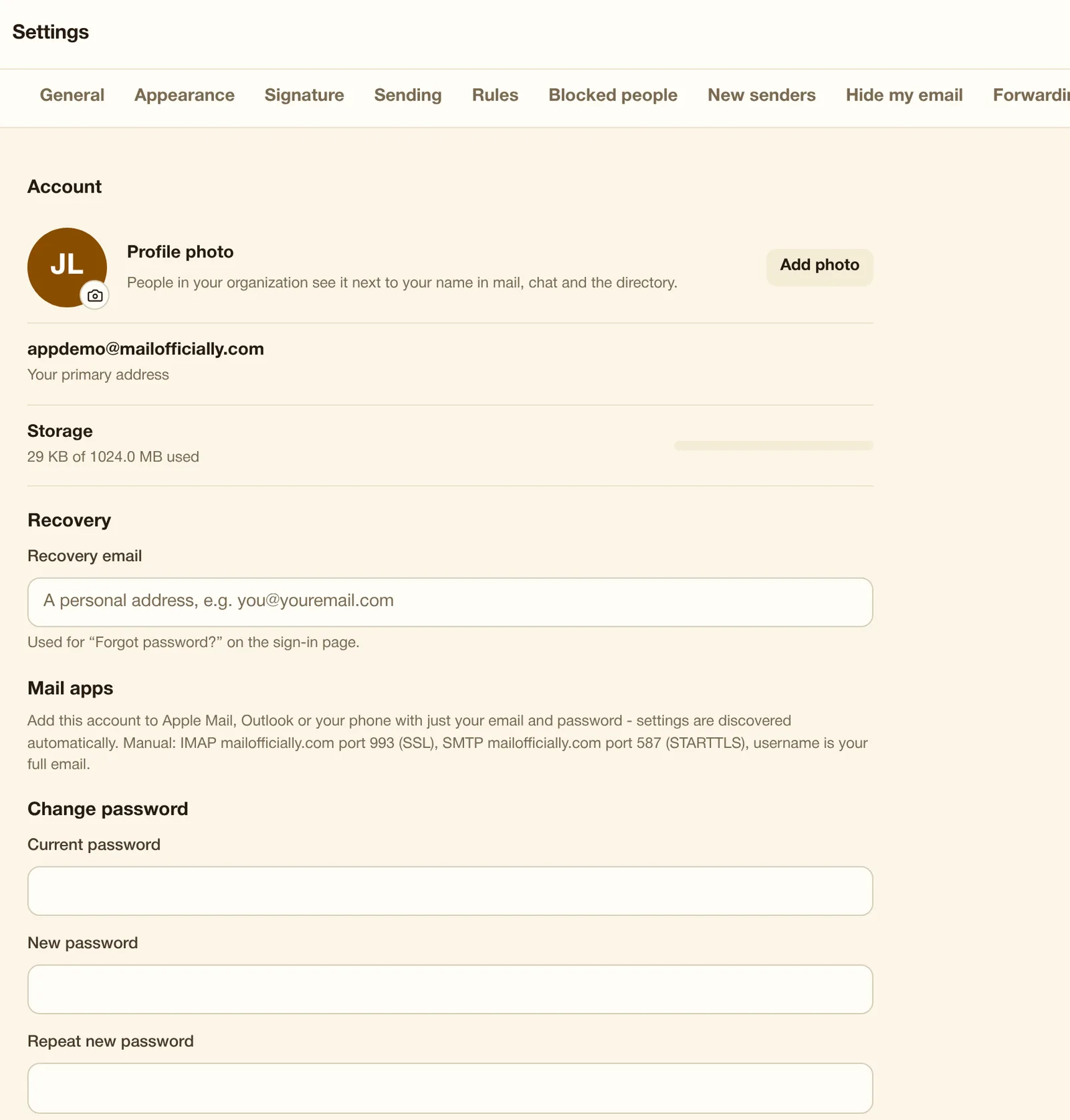
Separate passwords for mail apps, which you can revoke one by one.
Use it when Give Outlook its own password, and turn it off if the laptop is stolen.
Every notice in one place on web and phone: shares, imports, form answers, reminders, announcements, mentions.
Use it when See every share, form answer and mention in one list.
Instant alerts for new mail and chat on iPhone, Android and in your browser, with desktop pop-ups while webmail is open.
Use it when New mail and chat pop up instantly on your phone and desktop.
A heads-up at 80% and 95% full, to you and your admins.
Use it when At 80% full you and your admin get a heads-up, before mail bounces.
Switch each EMA feature on or off for yourself.
Use it when Keep Summaries on but switch Drafted replies off, just for you.
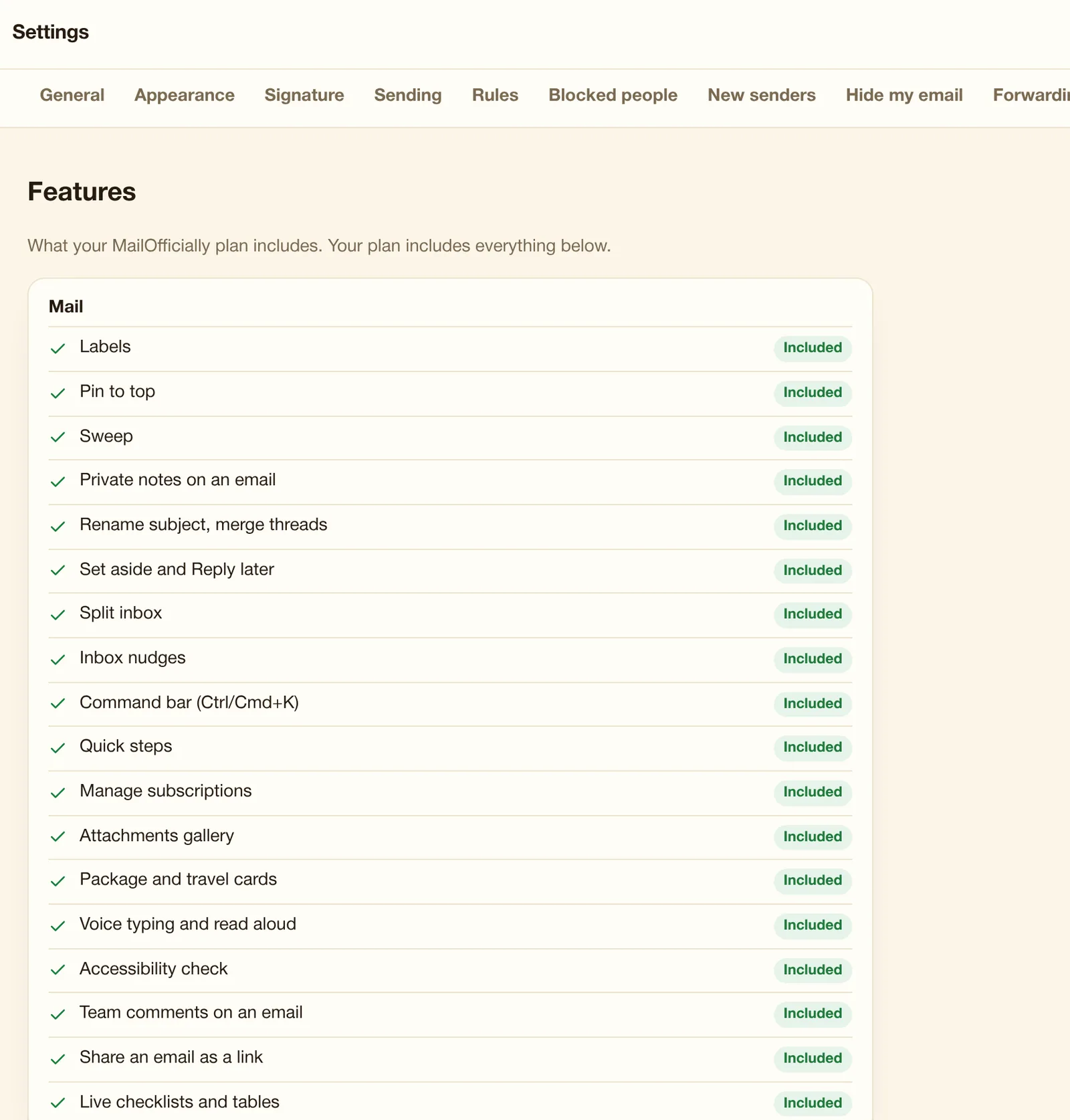
What your plan includes, with locks showing which plan has the rest.
Use it when See what your plan includes and which plan unlocks the rest.
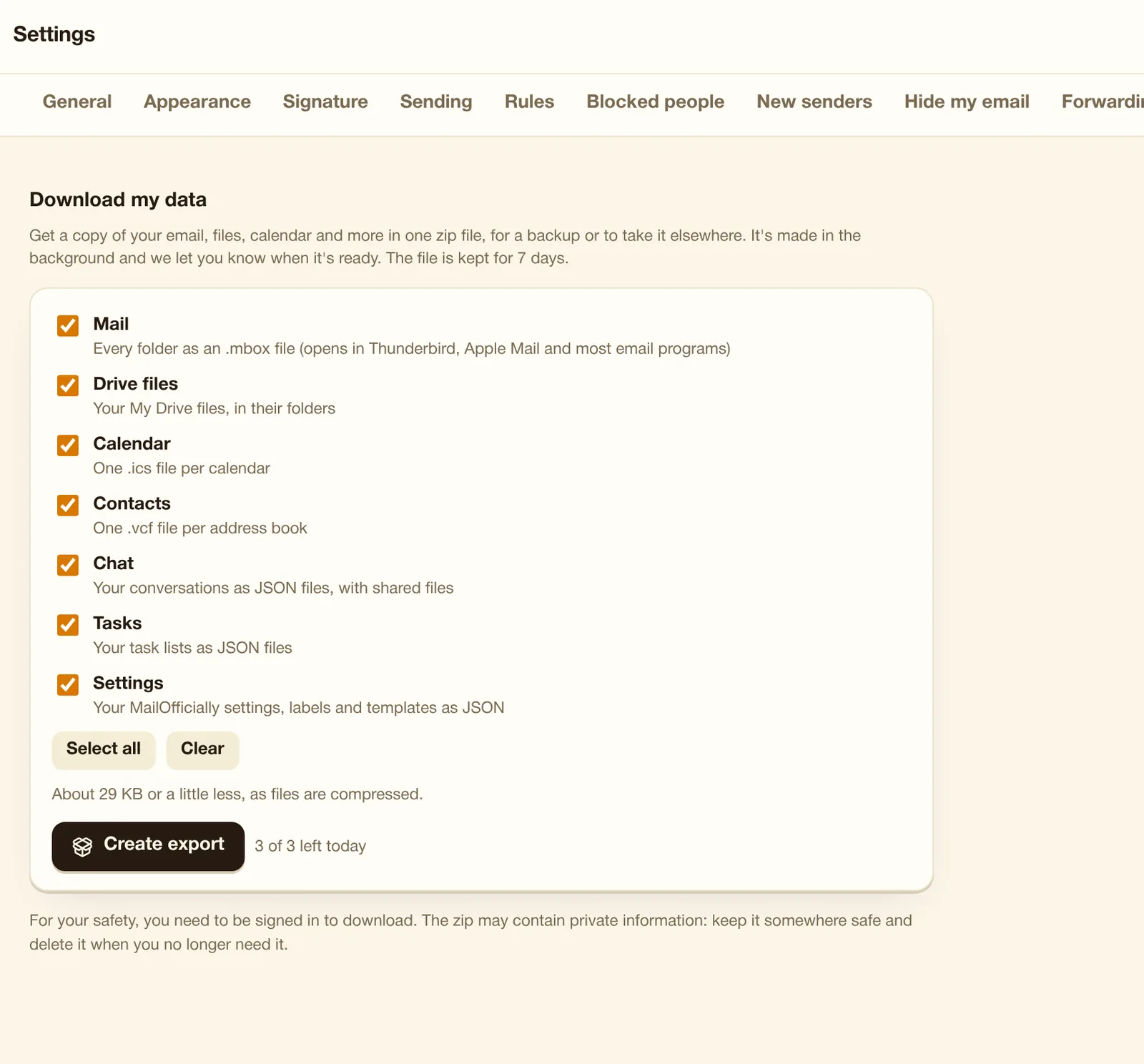
Mail (.mbox), Drive, Calendar (.ics), Contacts (.vcf), Chat, Tasks and Settings in one zip, kept 7 days.
Use it when Leaving the company or archiving: download all your mail, files and contacts in one zip.
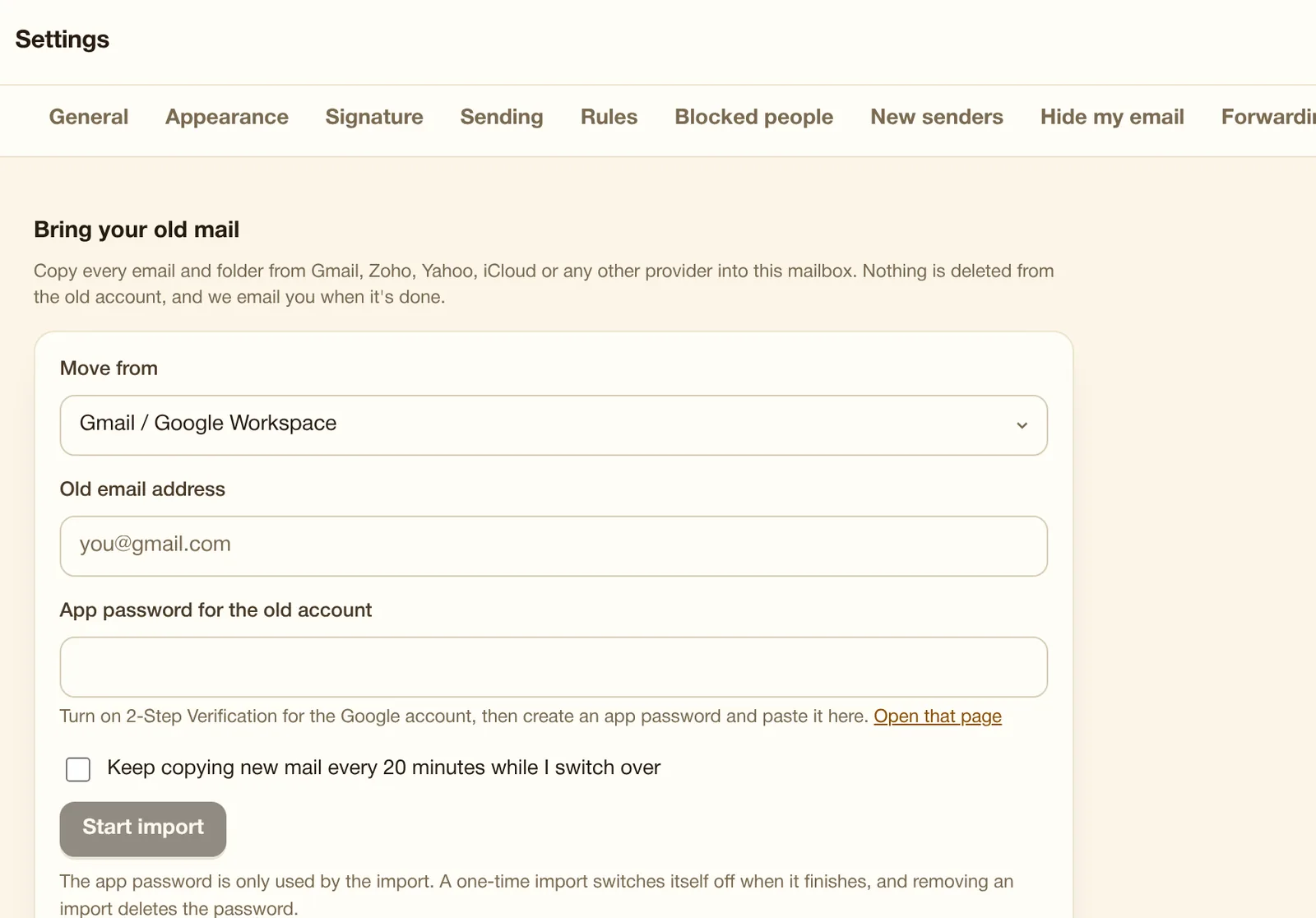
Import every email and folder from Gmail, Outlook, Zoho, Yahoo, iCloud or any IMAP provider, and keep copying new mail while you switch.
Use it when Bring 10 years of Gmail with all folders, and keep copying new mail while you switch.