MailOfficially on Android
Get it from Google Play: search for "MailOfficially" and sign in with your work address and password.
The app brings mail, Chat (Messages), Call Officially and Drive to your phone, with instant new-mail alerts, a Priority inbox, follow-ups, Undo send and protected email. Everything you do here also shows on the web and your other devices.
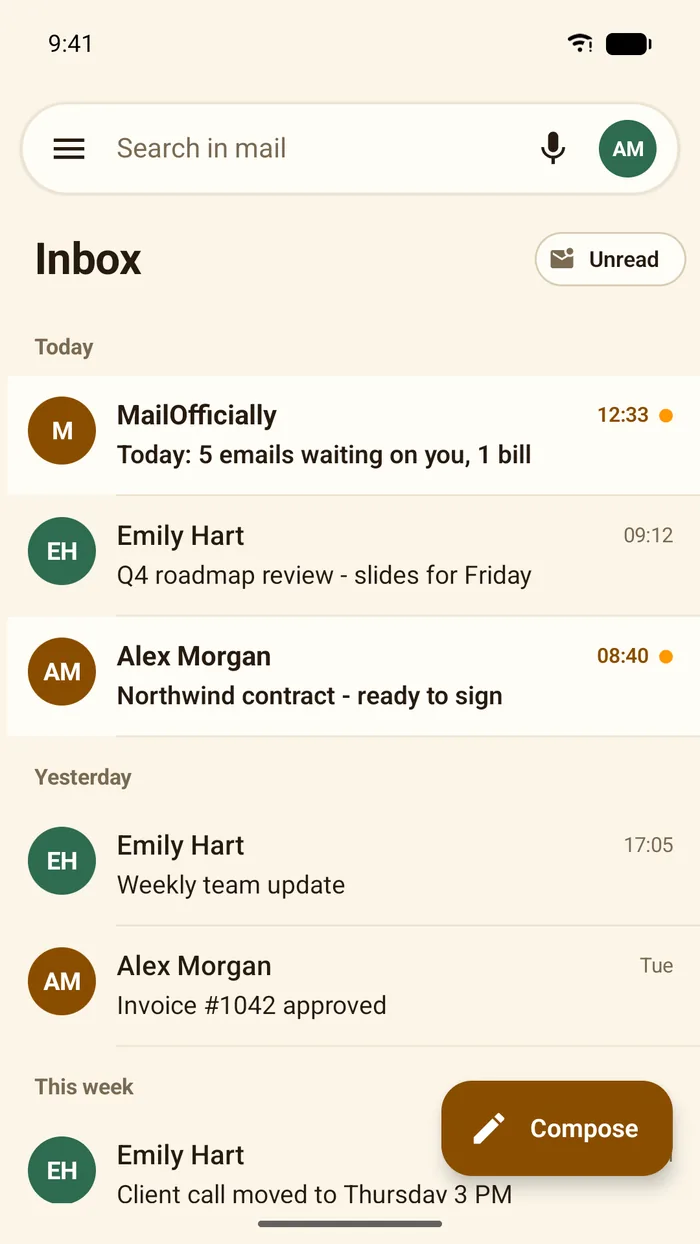
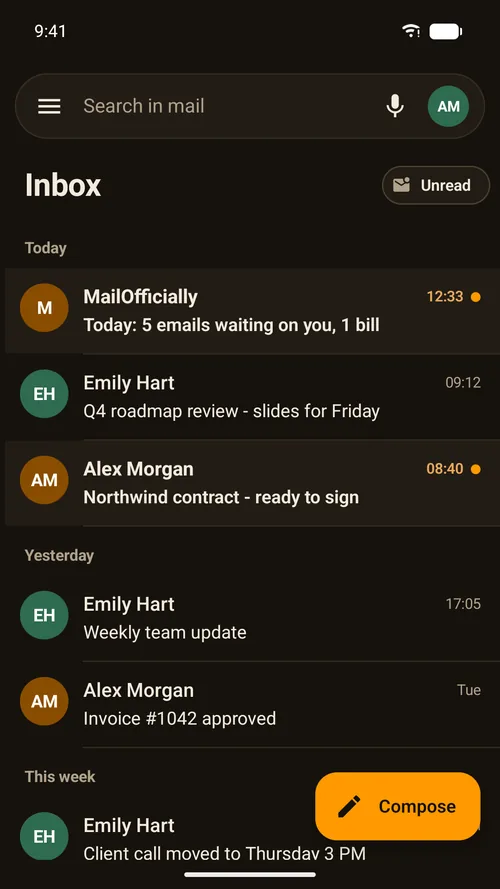
Inbox
Your mail grouped by day, with the search bar at the top and the Compose button at the bottom right.
- Menu: the three lines: mailboxes and apps
- Search in mail: with voice search
- Unread: show only unread mail
- Your photo: top right: your account
- Use it when: you want to clear new mail on the train with one thumb
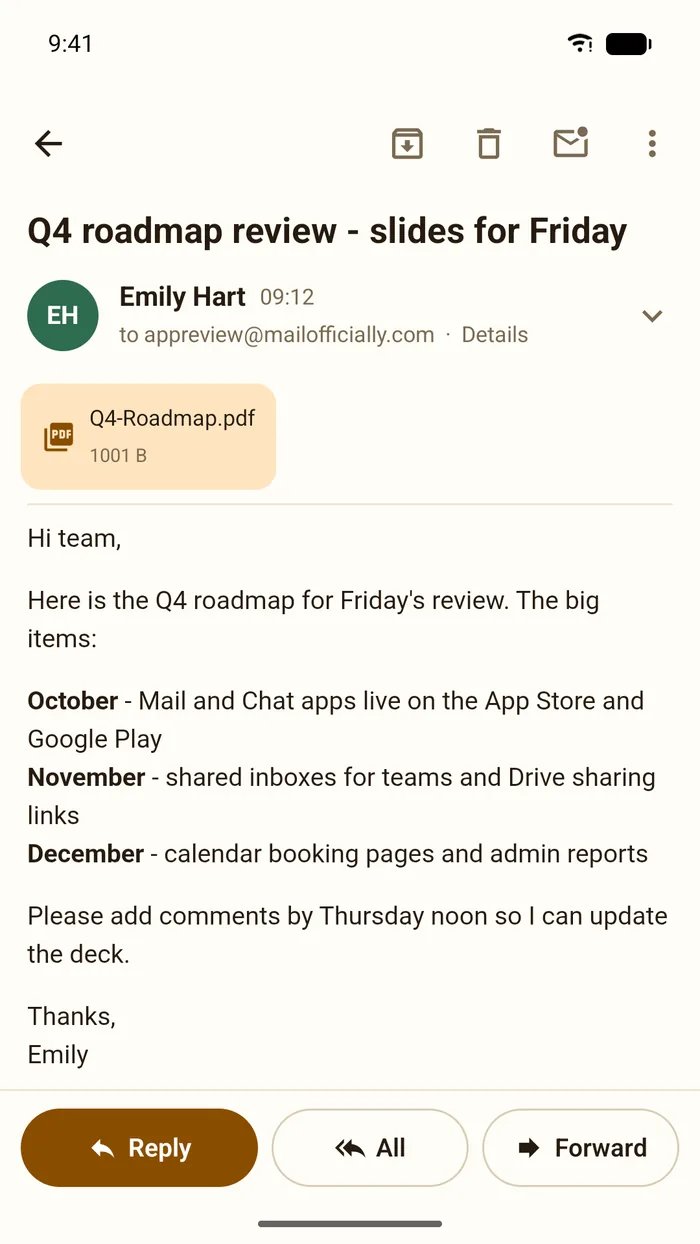
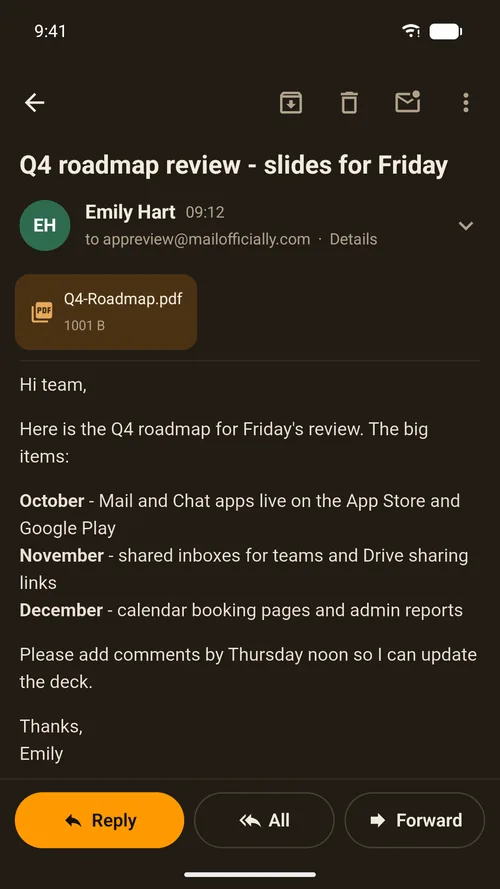
Reading an email
The email with attachments as cards. Tap Details for who it was sent to.
- Archive, Delete, Mark unread, More: top right
- Reply, All, Forward: at the bottom
- Use it when: you need to reply to Emily about Friday's slides from your phone
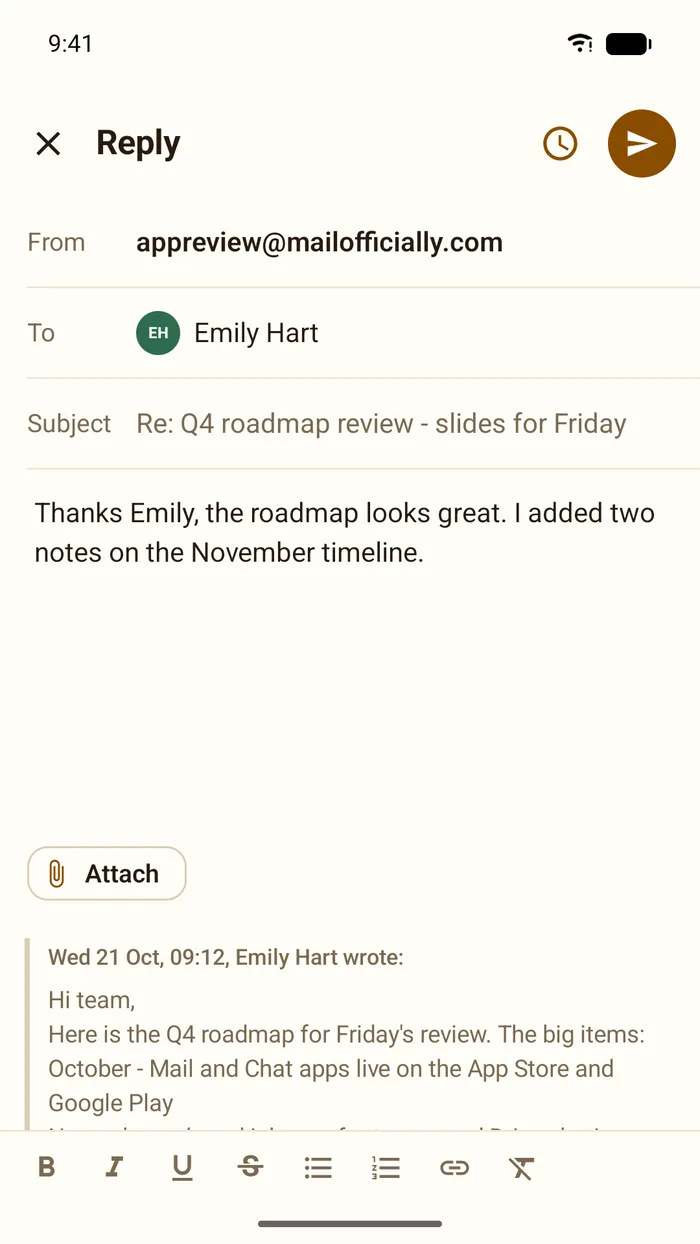
Replying
Write above the quoted email; the original stays below.
- Attach: files and photos
- Formatting: bold, italic, lists, links
- Send later: the clock at the top
- Send: the orange button
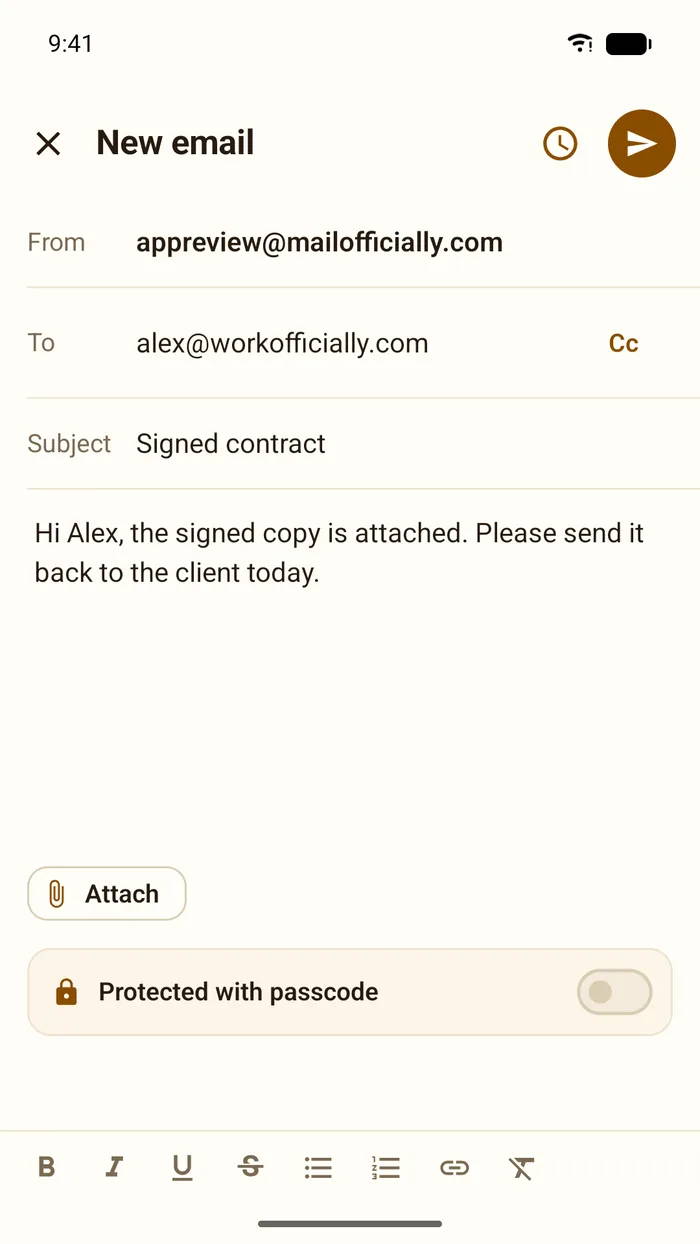
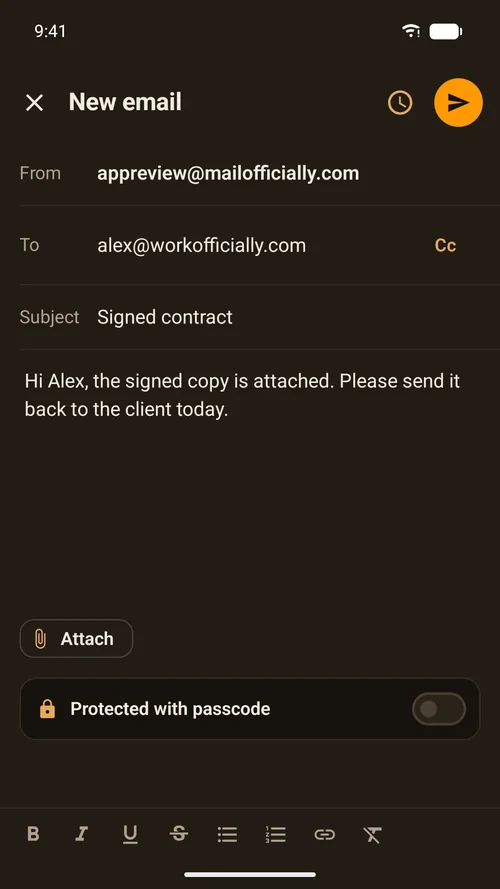
A new email
From, To, Subject and your message, with the protected switch.
- Cc: top right of the To line
- Protected with passcode: opens only with the passcode you give
- Attach
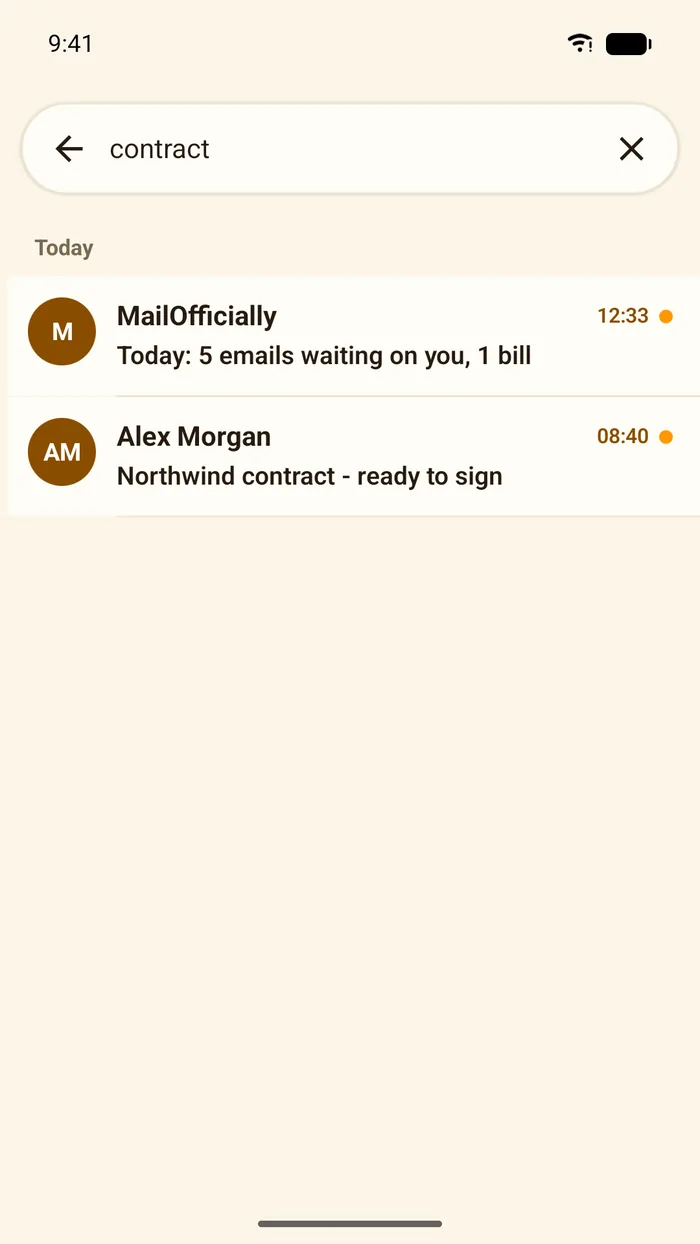
Search
Results appear as you type.
- Back: returns to the inbox
- Clear: the X
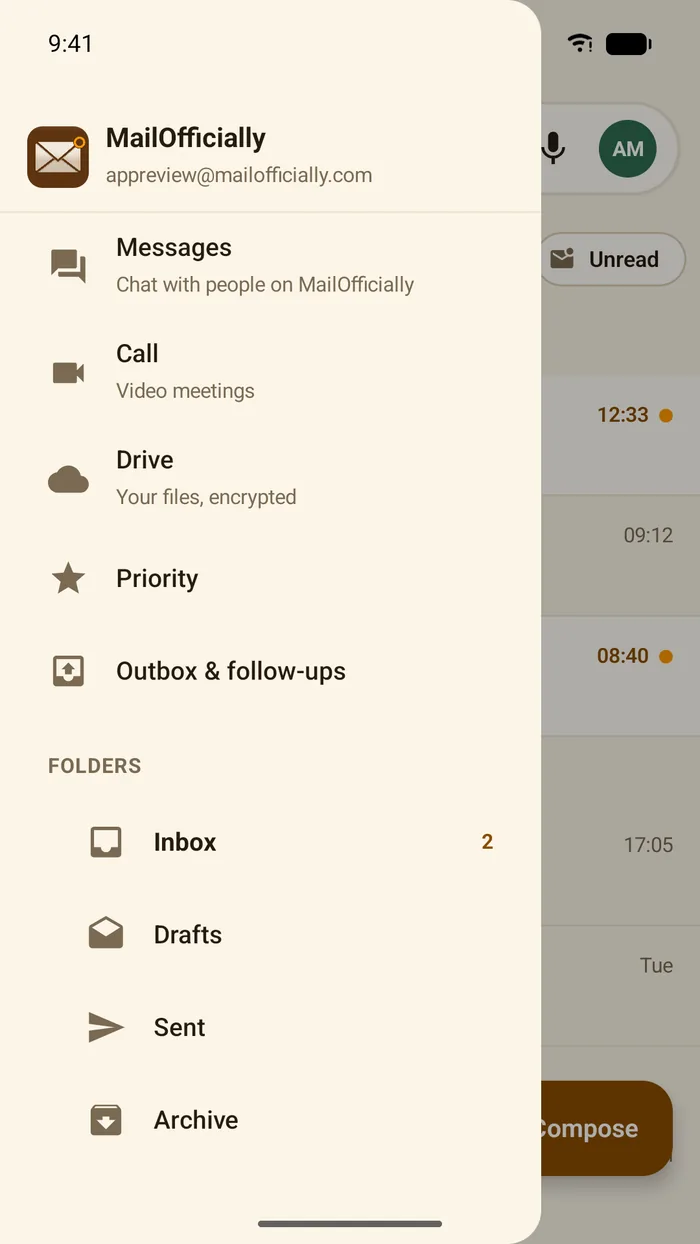
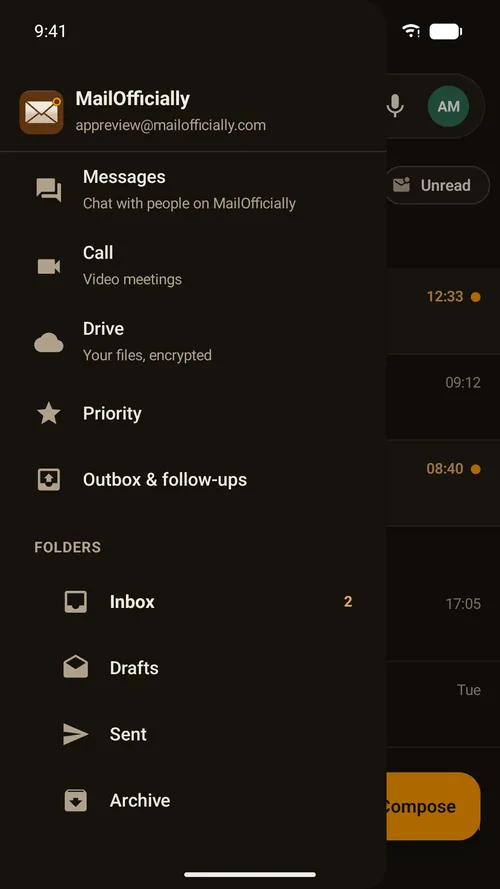
Mailboxes and apps
Messages, Call, Drive, Priority, Outbox and follow-ups, then your folders.
- Messages: Chat with people on MailOfficially
- Drive: your files, encrypted
- Priority
- Outbox and follow-ups
- Folders: with unread counts
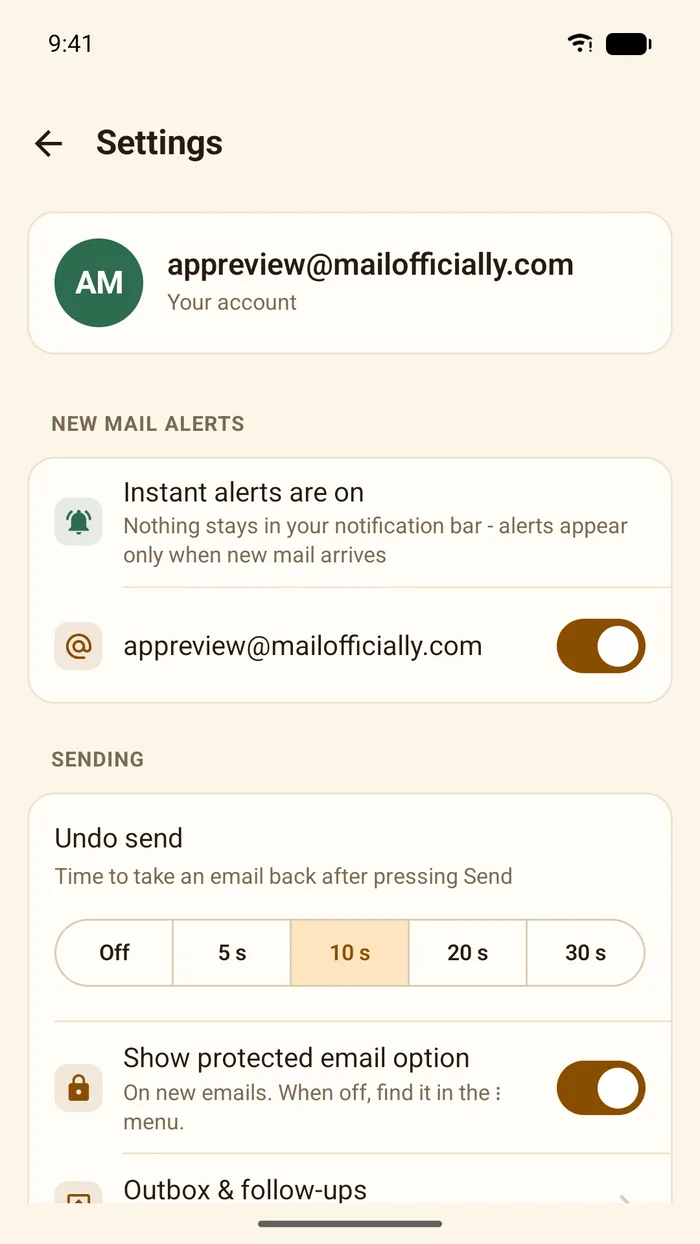
App settings
Settings for this phone.
- New mail alerts: instant alerts, on or off for each address
- Undo send: off, 5, 10, 20 or 30 seconds
- Show protected email option: on new emails
- Outbox and follow-ups
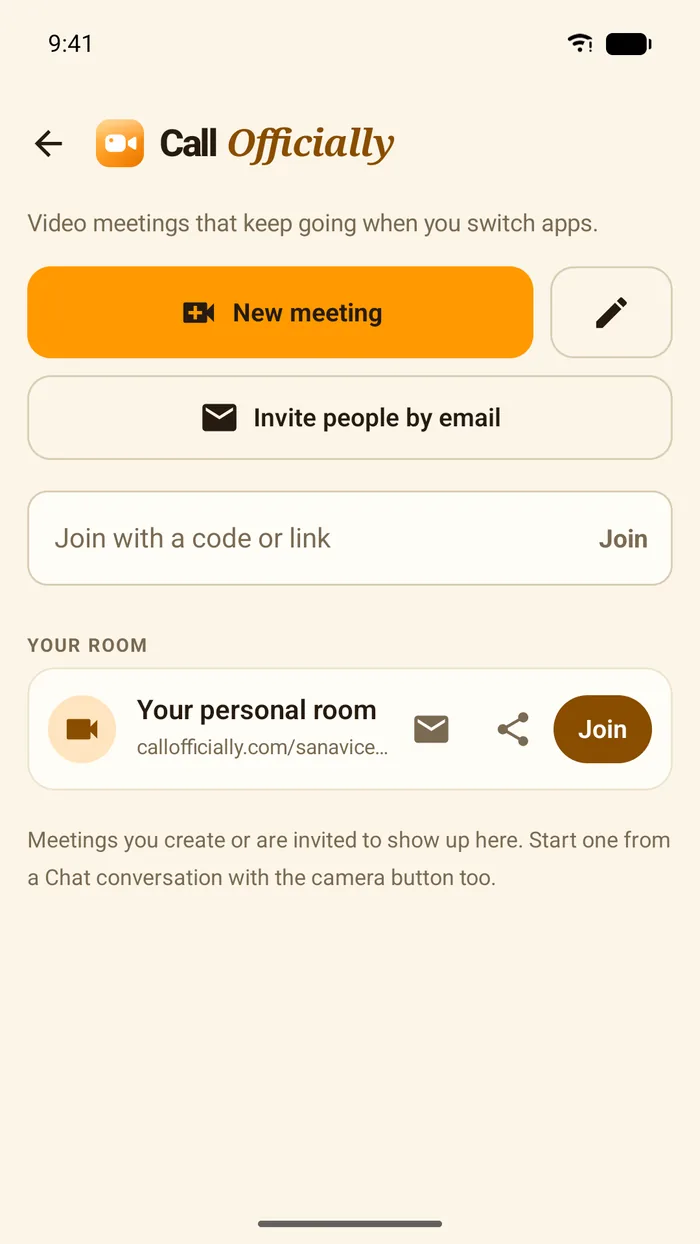
Call Officially
Start or join video meetings in the app.
- New meeting
- Invite people by email
- Join with a code or link
- Your personal room: Join, share or email the link
Dark mode
The app follows your phone's light or dark setting, or choose one in the app's Settings > Appearance.