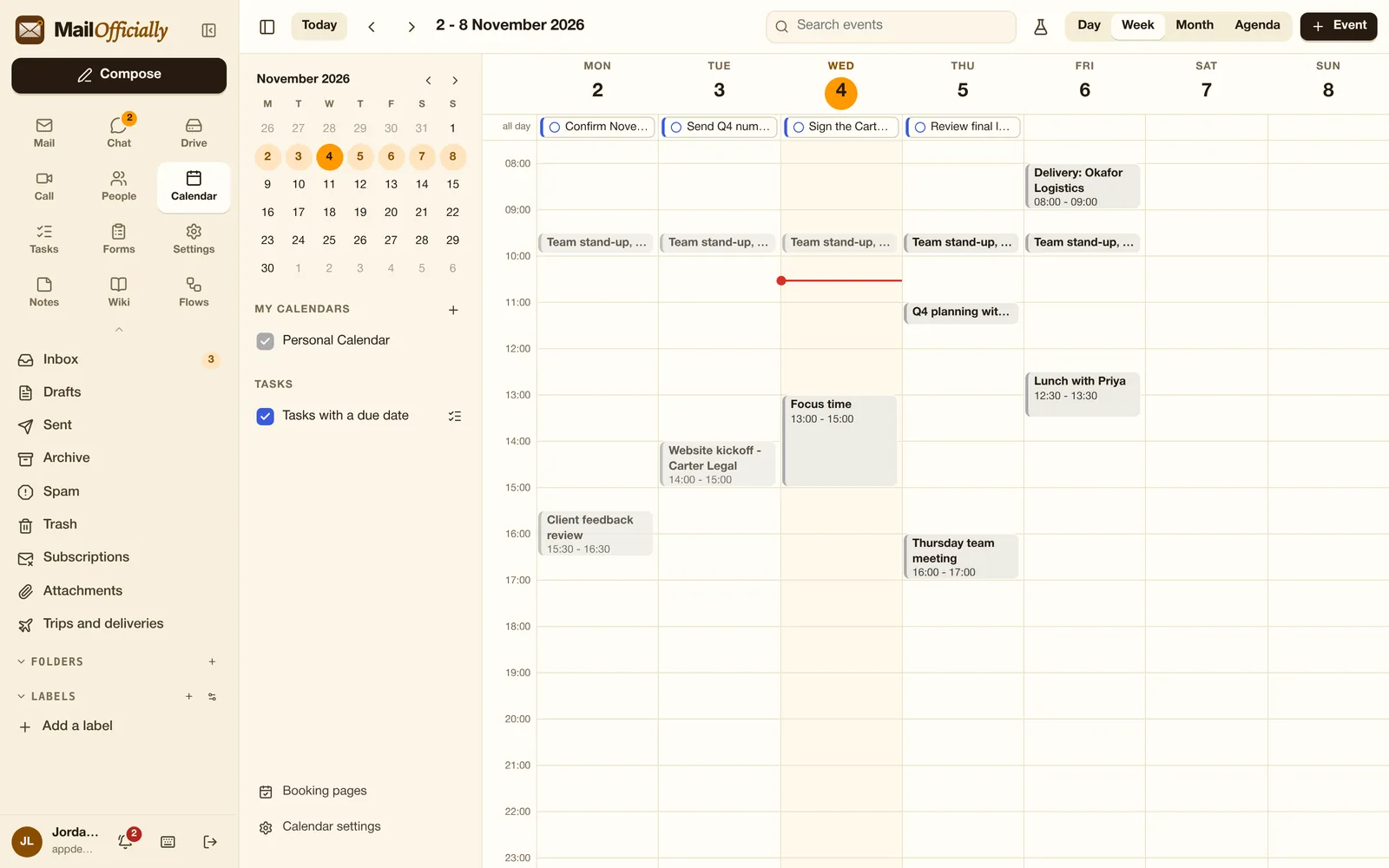
Day, Week, Month and Agenda views
All plansWith search, several calendars, colors and your working hours shaded.
Use it when Plan the week in Week view; check the next 30 days in Agenda.
 MailOfficiallyDocs
Meetings, availability and bookings in one place.
With search, several calendars, colors and your working hours shaded.
Use it when Plan the week in Week view; check the next 30 days in Agenda.
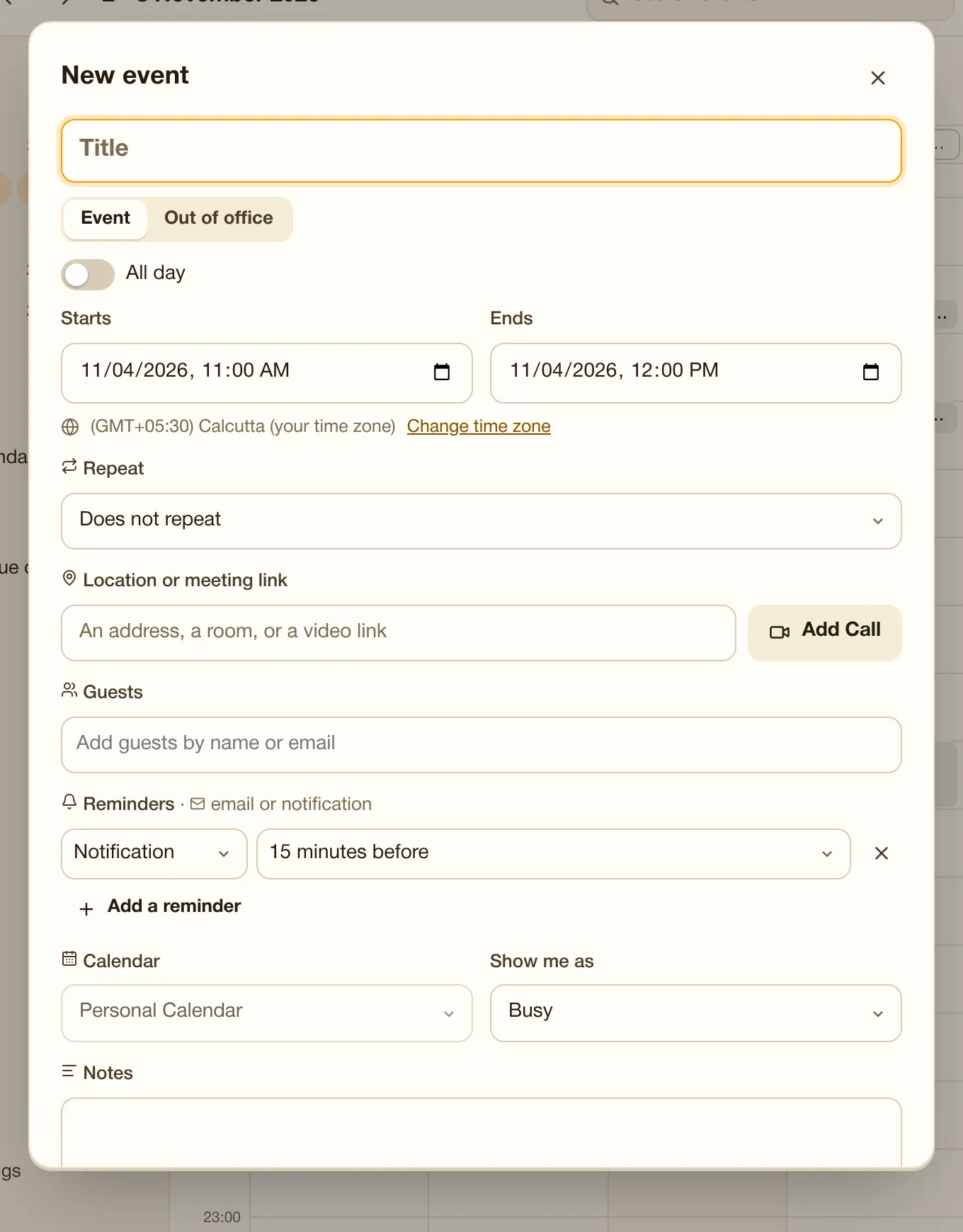
Repeating events, time zones, reminders (notification or email, on every device), "Add Call" for a video link, Busy / Free. Guests on any email service get Yes / Maybe / No buttons, and answers update your calendar.
Use it when Invite a client on Gmail: they get Yes / Maybe / No buttons, and you see their answer.
See colleagues' busy times (never titles) while you pick a time.
Use it when See when your 4 colleagues are free before proposing a meeting (never their meeting titles).
Shade the hours you don't work and show a second time zone for clients abroad.
Use it when Working with a client in New York: show their time next to yours.
Share a calendar with colleagues (view or edit), import or export .ics, or a private subscribe link.
Use it when Let your assistant edit your calendar, or give the team a read-only feed.
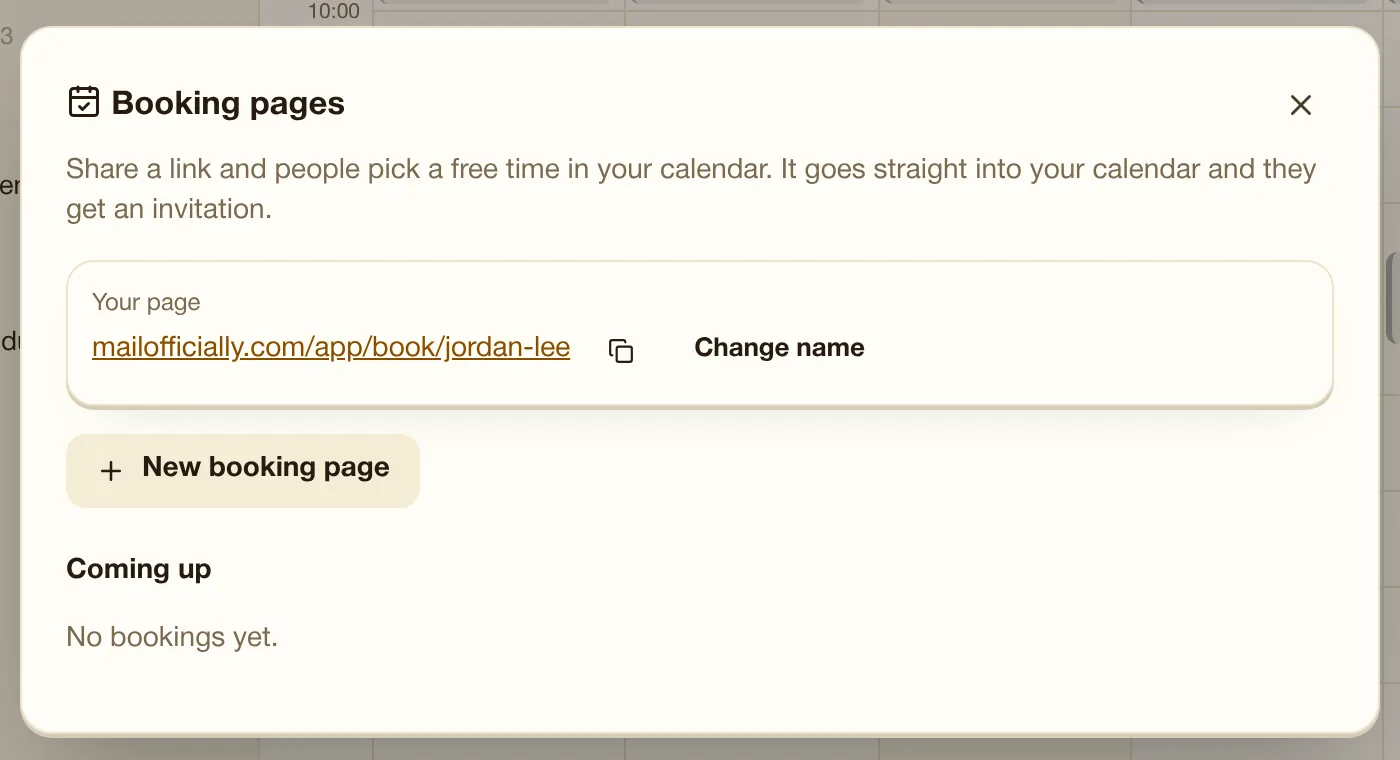
Your own "Pick a time with me" page: length, availability, gaps, most per day. Bookings land in your calendar with an invitation, and guests get a cancel link.
Use it when Send clients a "Pick a time with me" link instead of 6 emails back and forth.
Office / Home / Other per day, focus blocks, and out-of-office time: colleagues see you as away and new invitations are declined for you.
Use it when Mark Thursdays as working from home and block 2 hours of focus time.
Where your time goes: meetings, focus time, free blocks and who you meet most.
Use it when Notice that meetings take 60% of your week, and reclaim some focus time.
Suggest a few times; everyone (no account needed) votes yes / if needed / no; book the winner or let it book itself.
Use it when Ask 8 people which of 3 times work; book the winner automatically.
Book rooms with your events; double bookings are refused; room calendars view. Admins add rooms.
Use it when Book Meeting room 2 and the projector with the event; double bookings are refused.
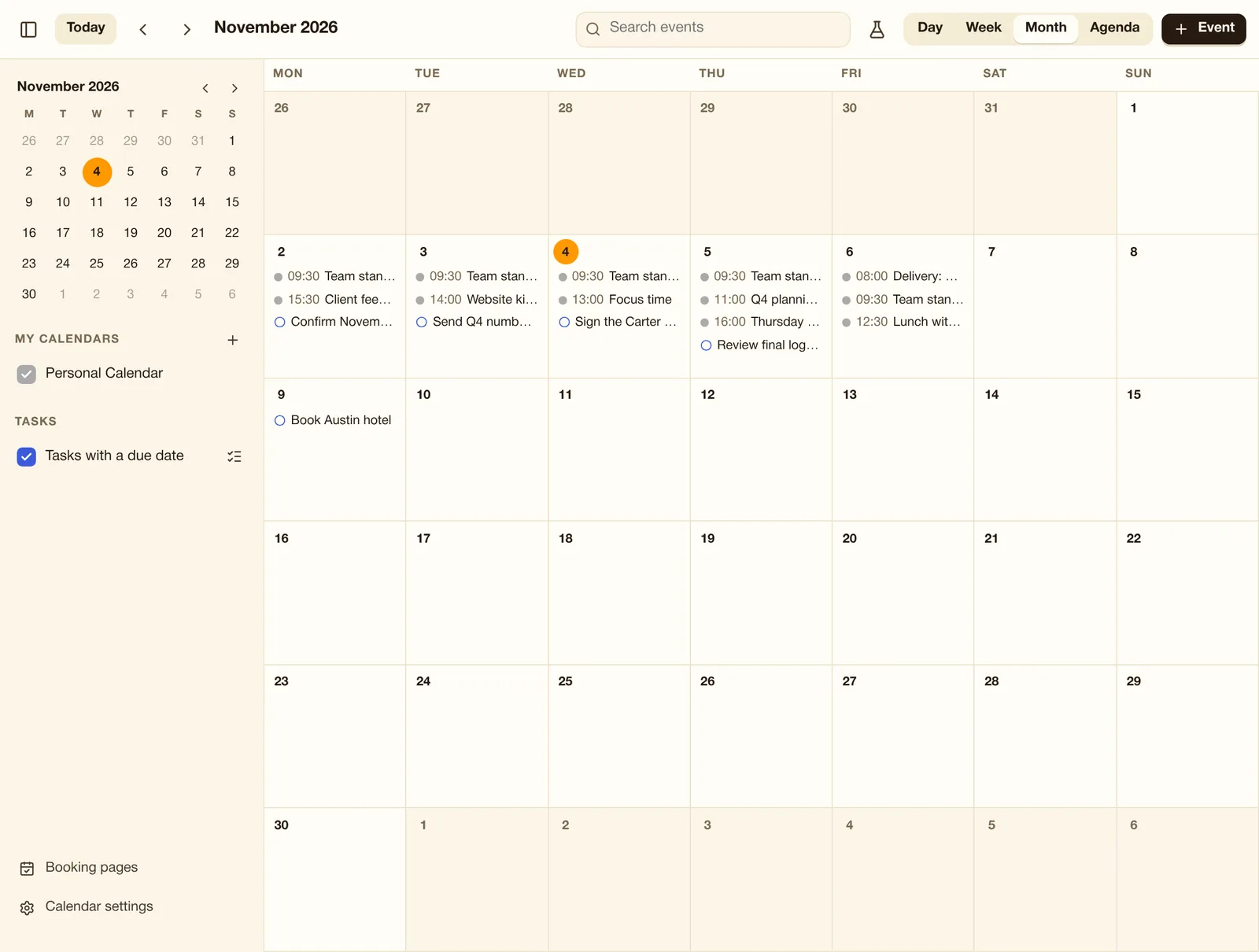
The calendar shows your events, tasks with due dates and colleagues' shared calendars. Today is marked in orange.
Press + Event or click any time slot.
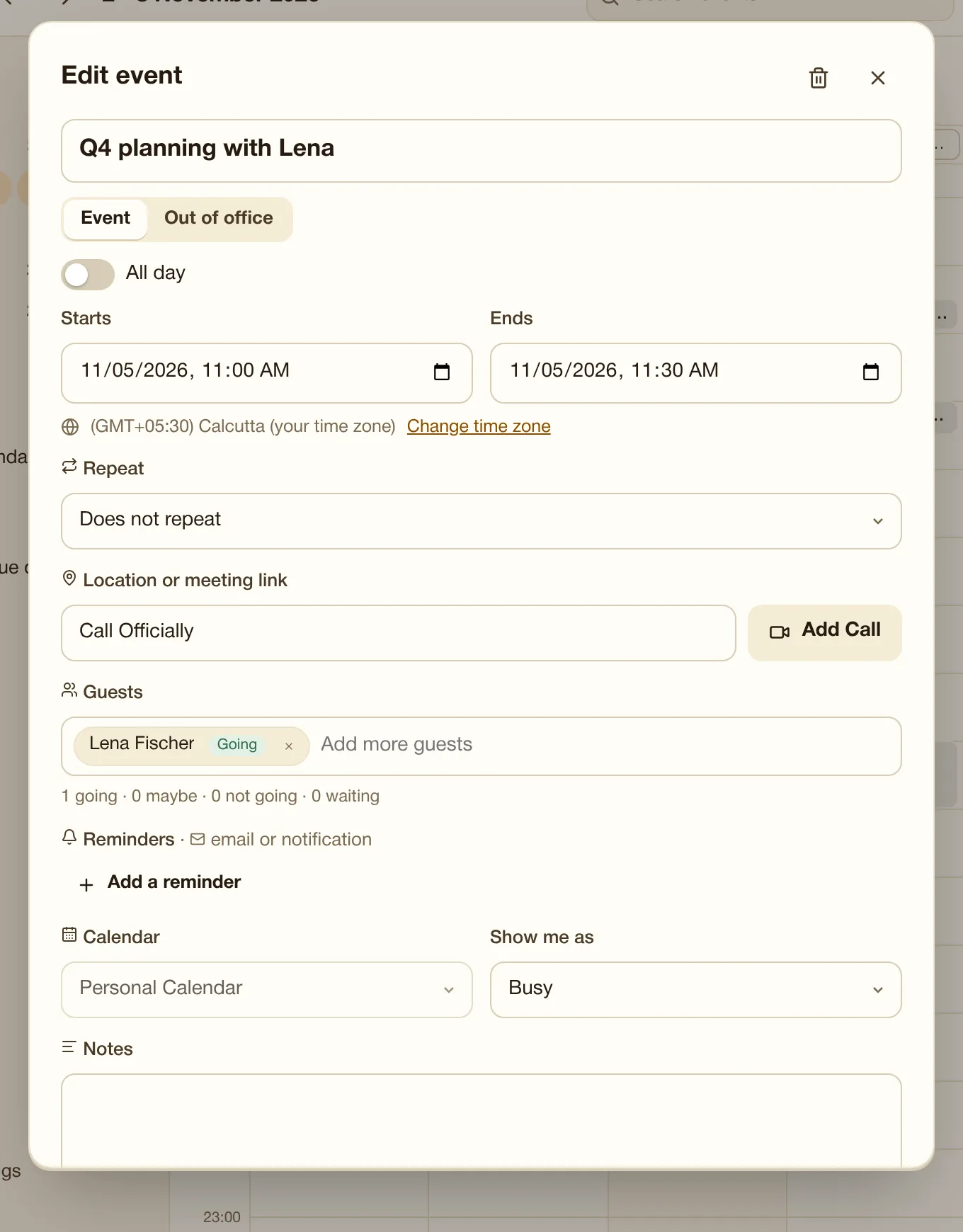
Click any event to change it. Guests see who is going, and changes go to them automatically.
The whole month, with each day's events and tasks. Click a day to see it in full.
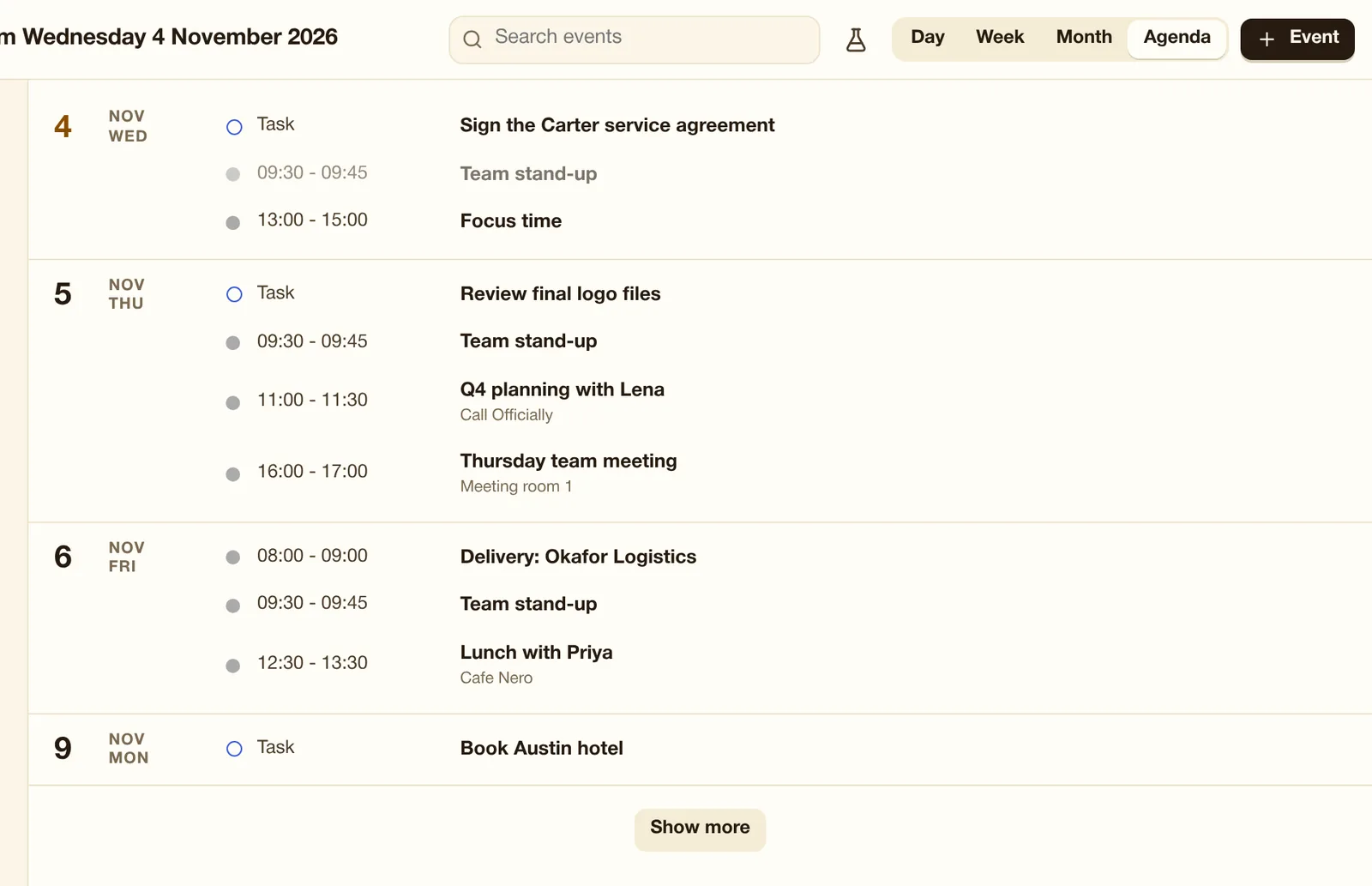
A list of what is coming, day by day, starting today. Show more loads the next 30 days.
A page where clients pick a free time with you. Bookings land in your calendar with an invitation.