Direct messages and spaces
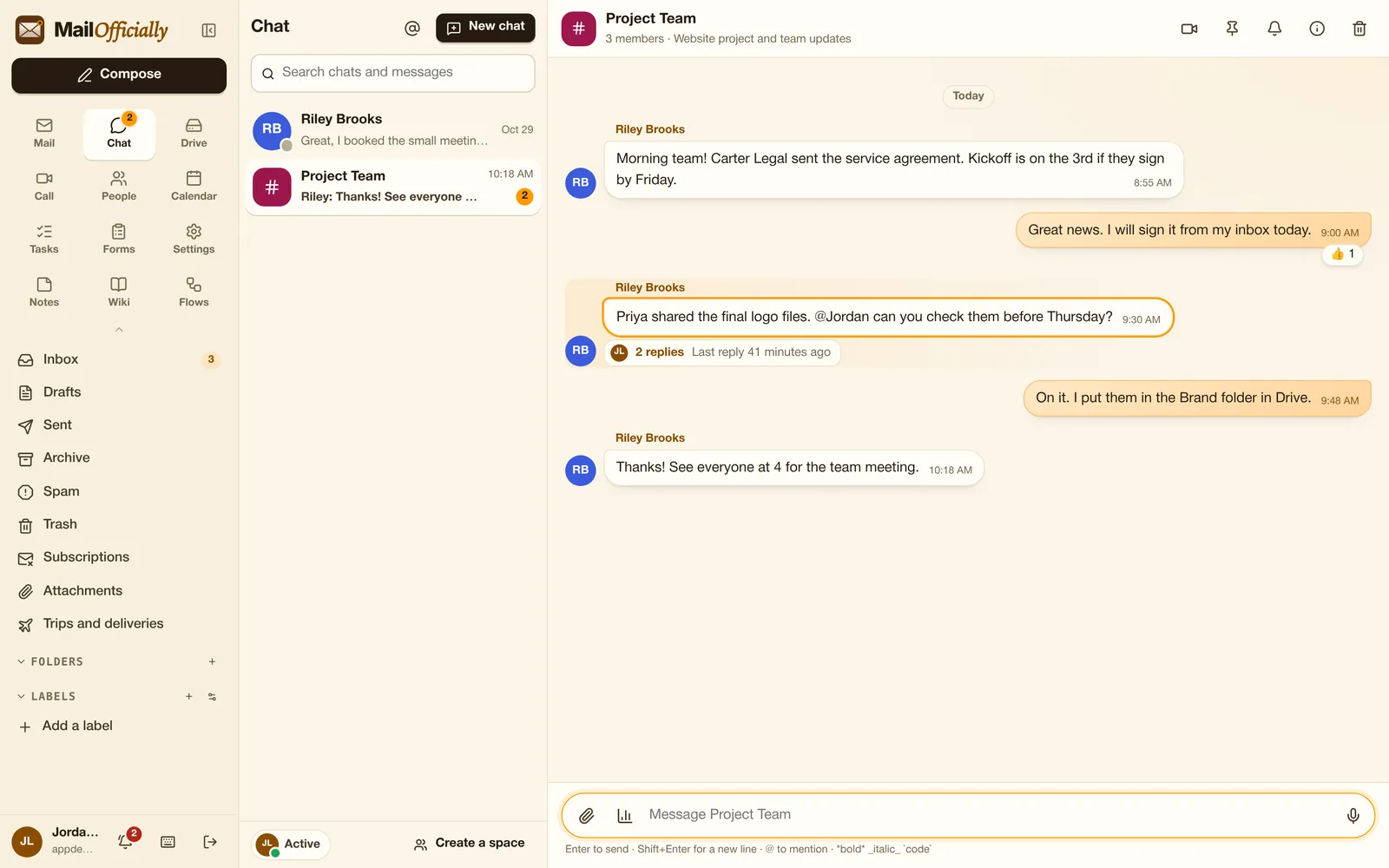
All plansOne-to-one chats and team spaces with anyone on MailOfficially (outside people marked "External").
Use it when A quick question to Riley in a direct message; project updates in the Project Team space.
 MailOfficiallyDocs
Team messaging next to your inbox.
One-to-one chats and team spaces with anyone on MailOfficially (outside people marked "External").
Use it when A quick question to Riley in a direct message; project updates in the Project Team space.
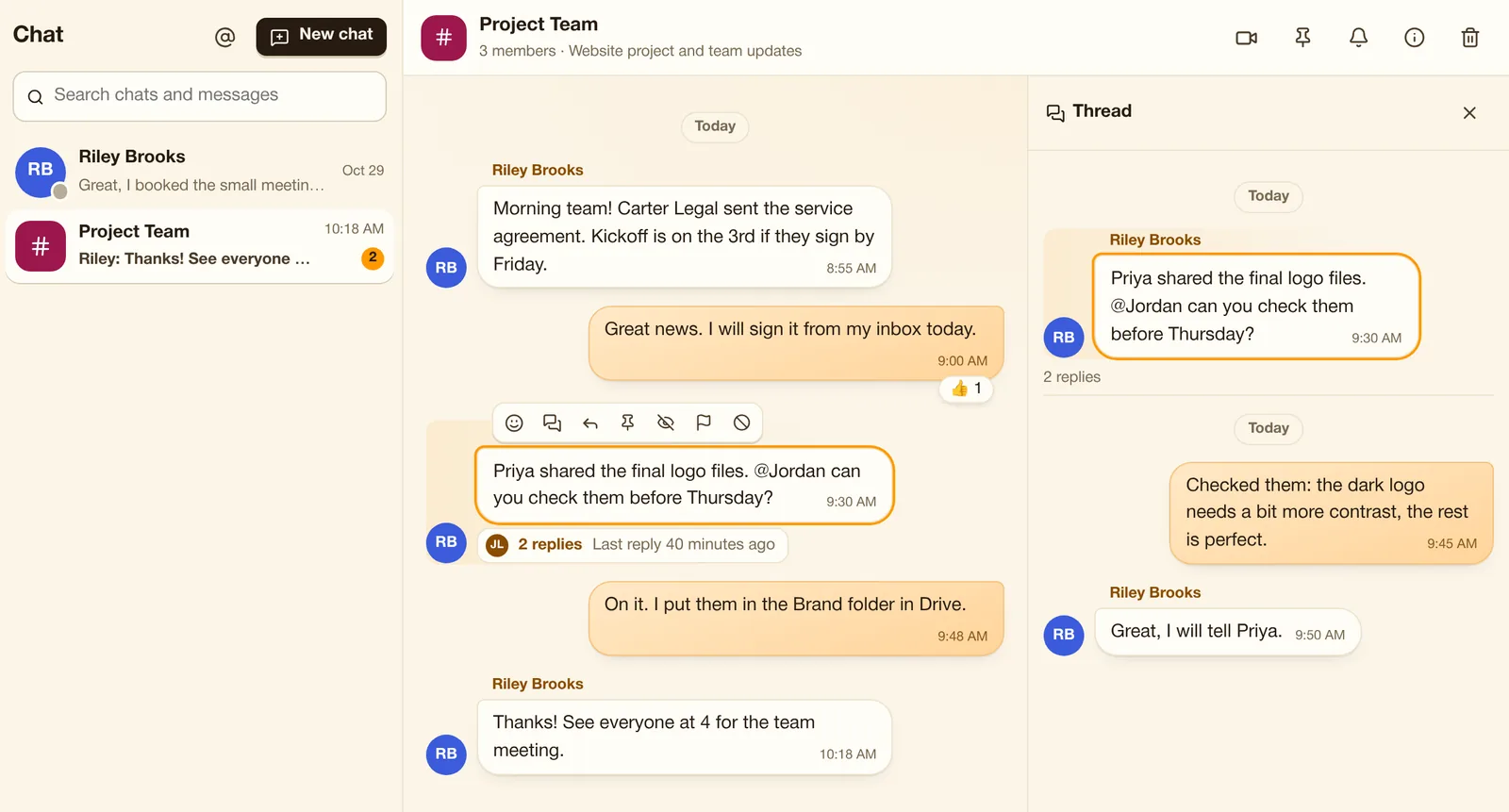
@mentions, threads, reactions, quotes, edit and delete, pinned messages, files up to 20 MB, voice messages, search, "Seen".
Use it when Reply in a thread, react with a thumbs up, share a file up to 20 MB, or send a voice message.
Automatic, Do not disturb, Away, or a status like "In a meeting" that clears itself.
Use it when Set "In a meeting until 3" and Do not disturb; it clears itself.
Ring everyone in the chat into a video call.
Use it when A chat gets complicated: start a video call with everyone in it.
Questions with one or several answers, anonymous if you like.
Use it when Ask the team "Pizza or sushi for Friday?" and see the votes.
Name spaces, add people, mute them (you still get @mentions), leave or delete.
Use it when Create a space for the website project, add people, mute it on weekends.
Block a person quietly, or report a message to your company admin.
Use it when Someone sends abusive messages: block them quietly or report to your admin.
Let other apps post into a space through a secret address.
Use it when Your online store posts every new order into the Sales space automatically.
Direct messages and team spaces, next to your mail. People outside the company are marked External.
Click "2 replies" under a message to open its thread on the right. Replies stay together and don't fill the main chat.