Tasks
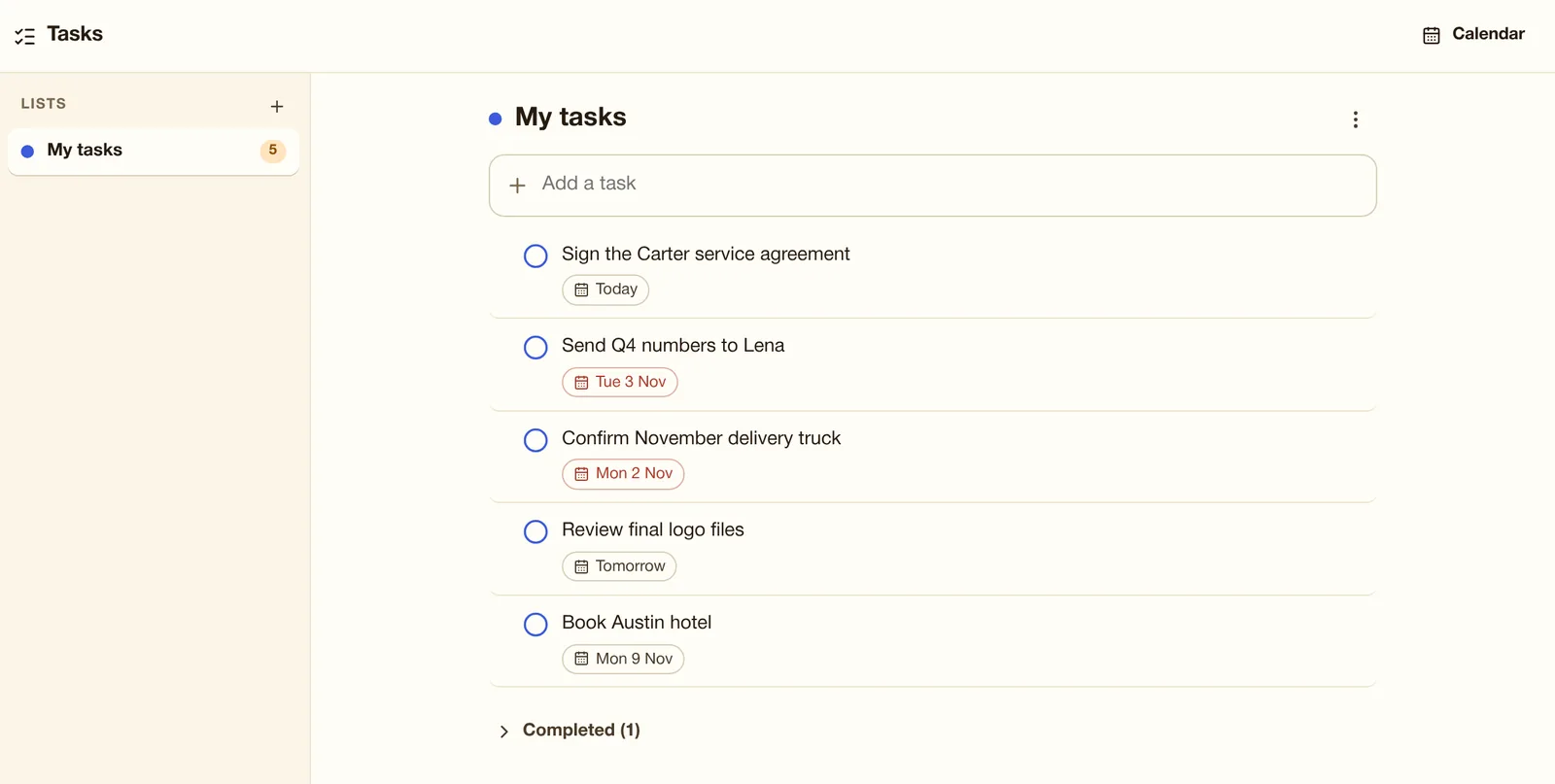
All plansTask lists with due dates that show in your calendar and sync to phone reminder apps.
Use it when "Send Q4 numbers to Lena" due Tuesday shows in your calendar and on your phone.
 MailOfficiallyDocs
The everyday apps a team needs, in the same account.
Task lists with due dates that show in your calendar and sync to phone reminder apps.
Use it when "Send Q4 numbers to Lena" due Tuesday shows in your calendar and on your phone.
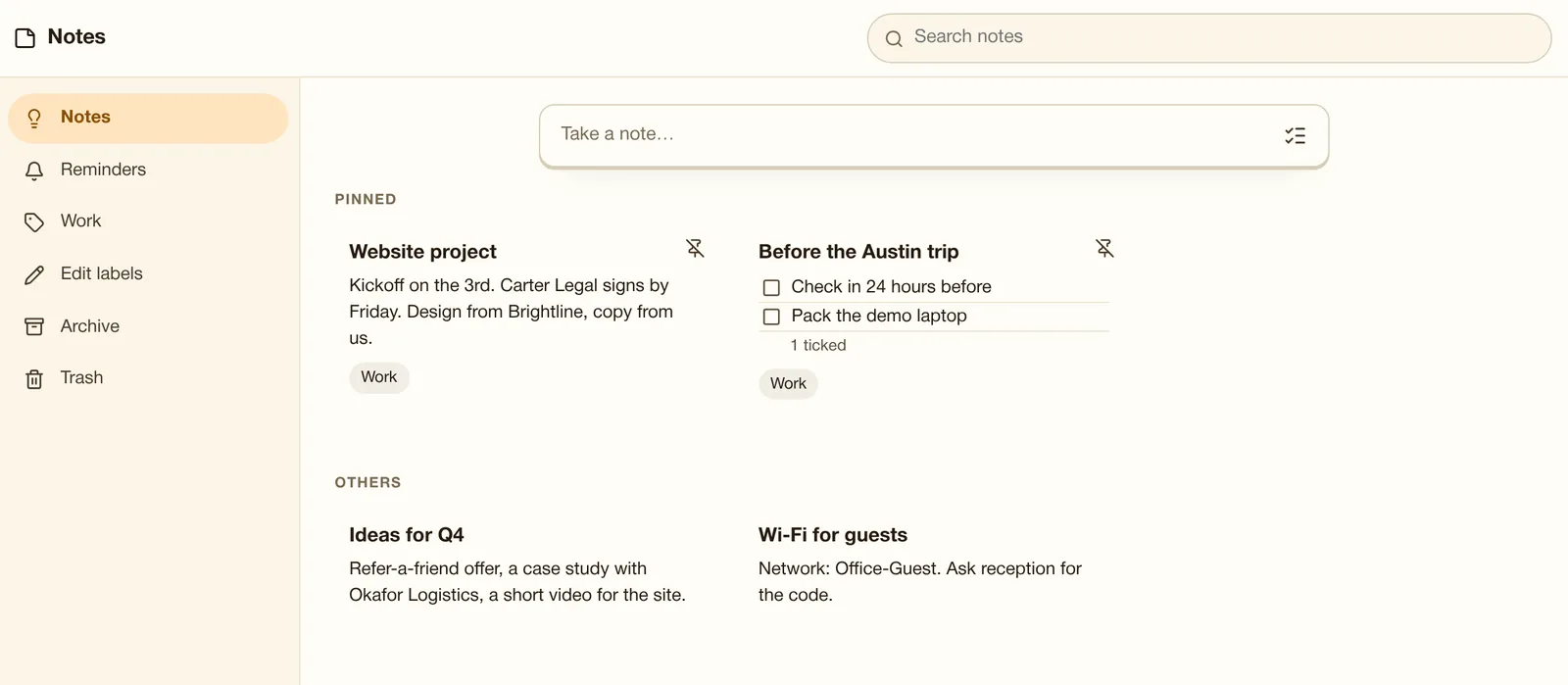
Notes and checklists with colors, pins, labels and reminders; "Save as note" from an email.
Use it when A checklist for the Austin trip, pinned with a reminder the day before.
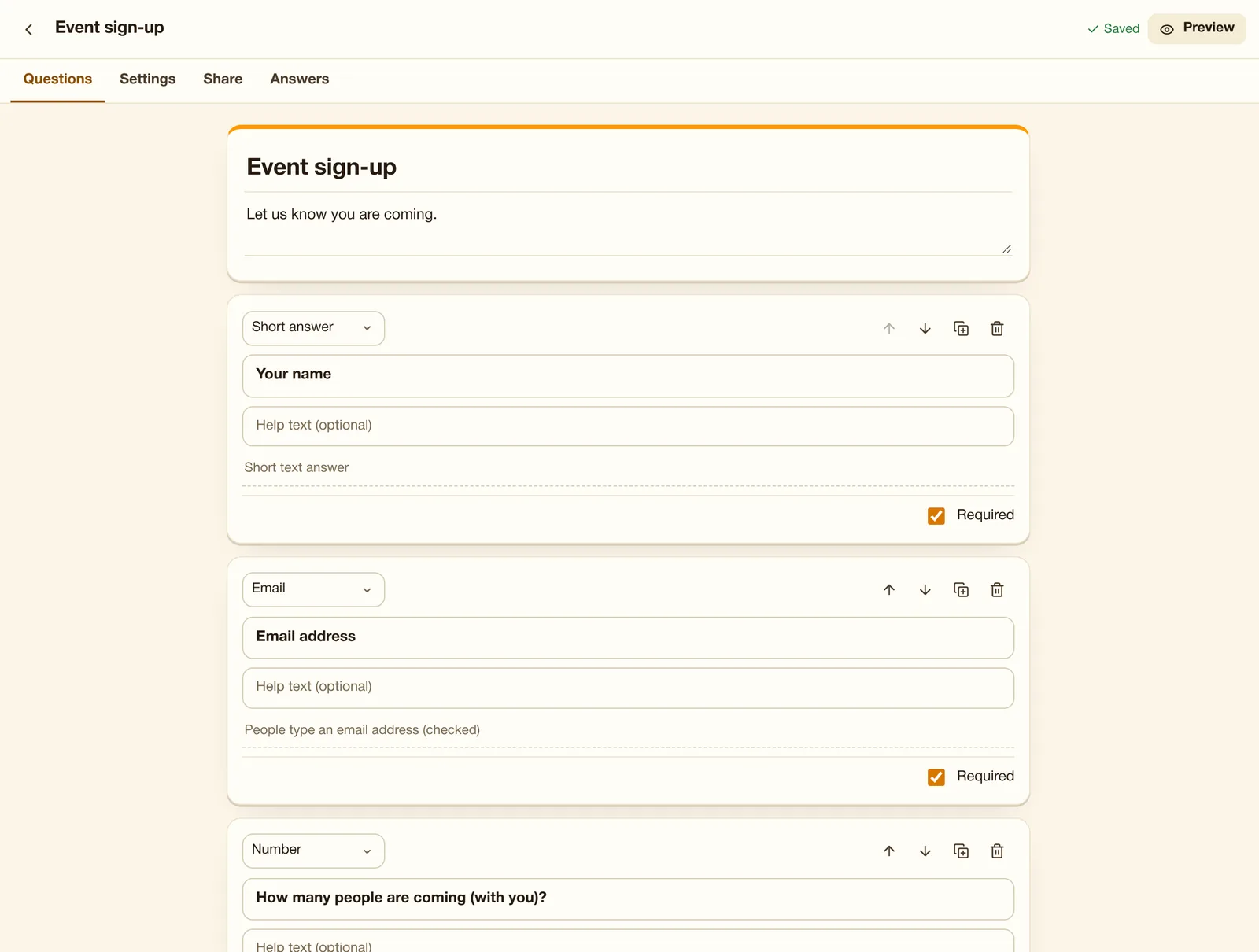
Templates (contact, event sign-up, feedback, new patient, appointment), 12 question types, file uploads, one answer per person, QR code, summary charts and CSV. Answers stay on MailOfficially servers.
Use it when Collect event sign-ups or new-patient intake with a form and a QR code.
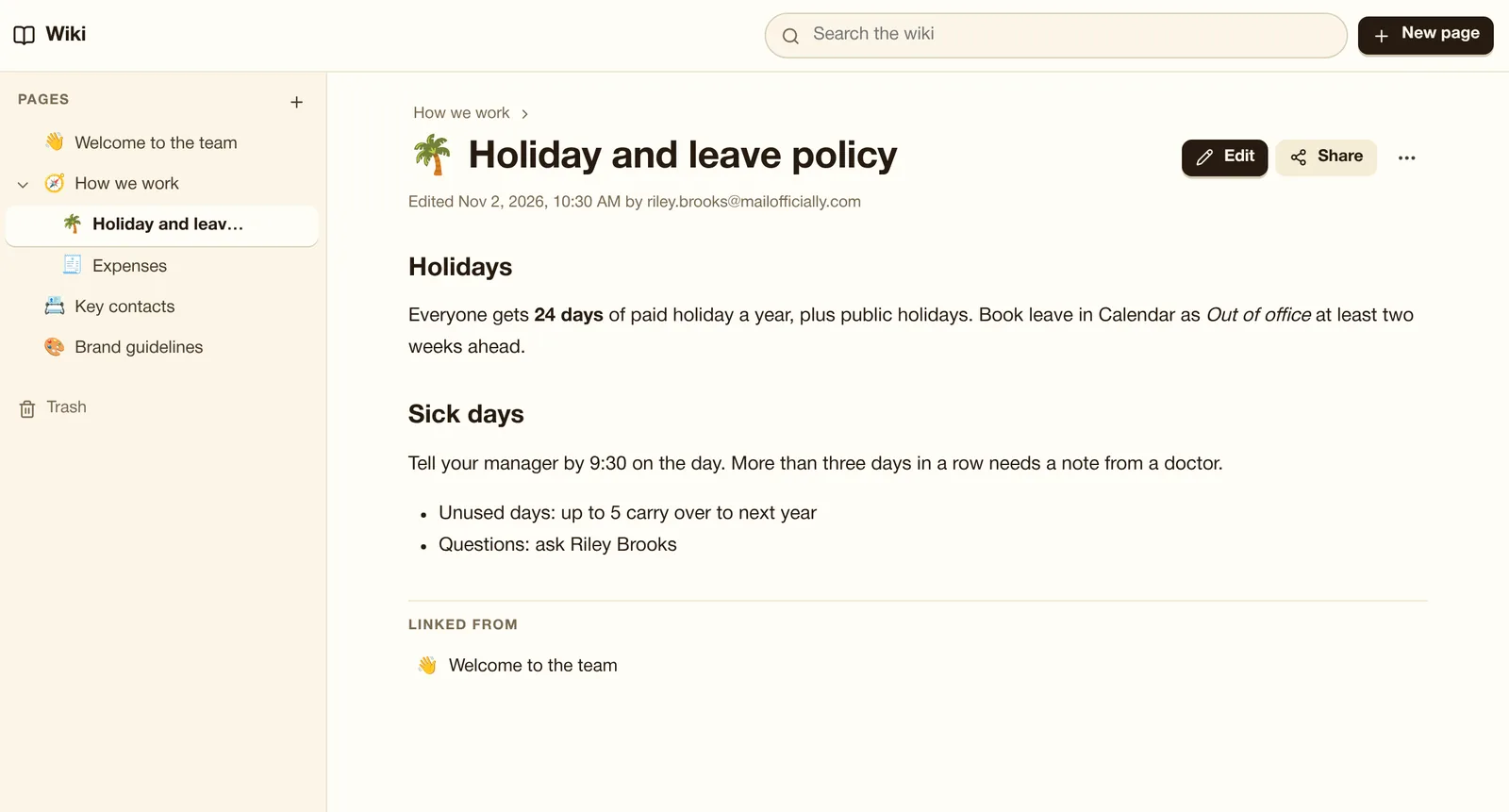
An internal site with nested pages, pictures, history and per- page access. Never shared outside the company.
Use it when Put the holiday policy, how-tos and key contacts where only staff can see them.
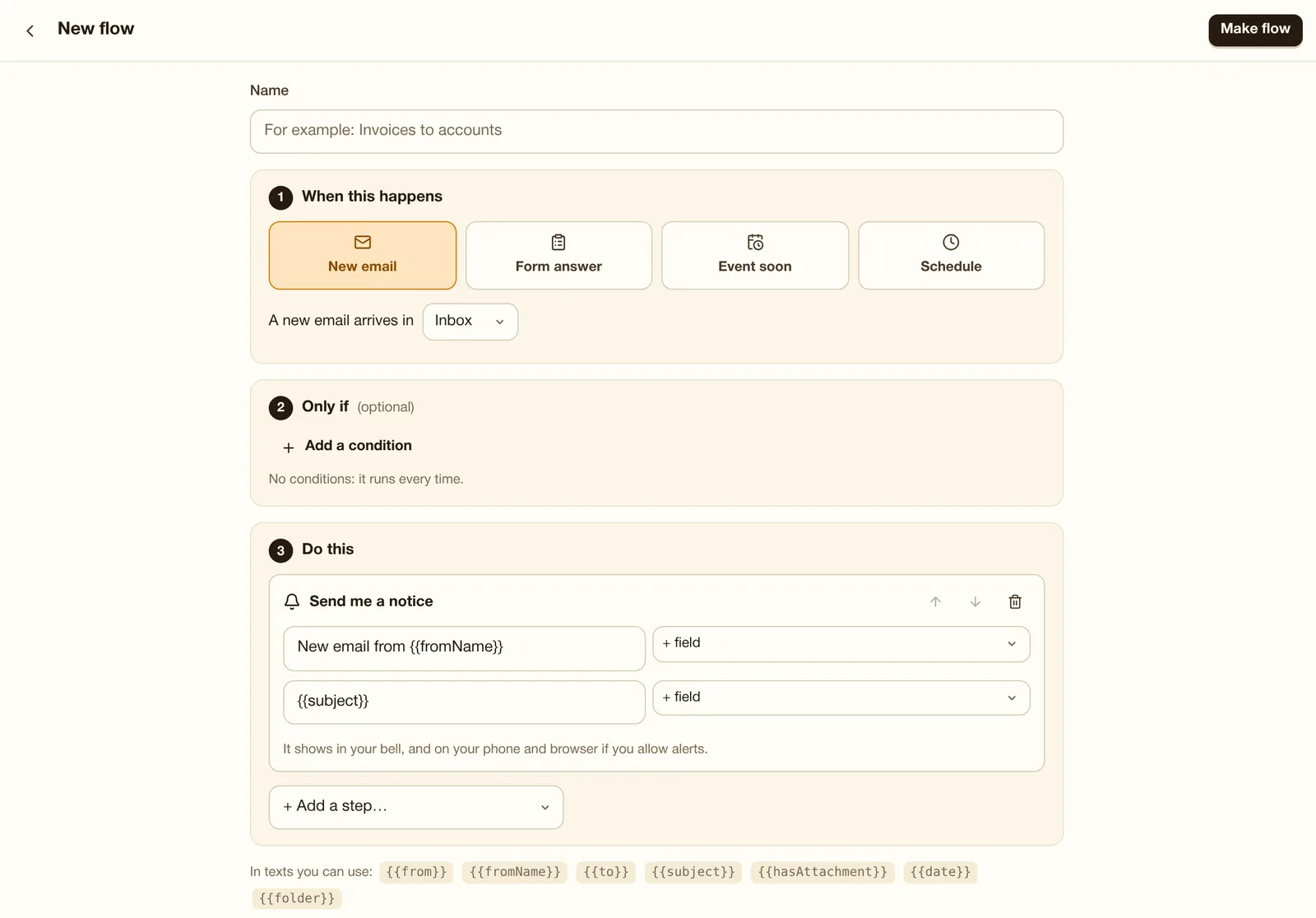
When an email arrives, a form is answered, an event starts or on a schedule, then move, label, forward, post in chat, create a task, notify you or call a webhook. Seal: 5 flows per person inside the company; Crest: 20 with outside webhooks.
Use it when When an email with "invoice" in the subject arrives, label it, forward it to accounts@ and add a task.
Task lists with due dates. Tasks also show in your calendar and on your phone's reminder app.
Notes and checklists with colors, labels and reminders. "Save as note" on any email turns it into a note.
Start a form from a template or from nothing. Answers stay on MailOfficially servers.
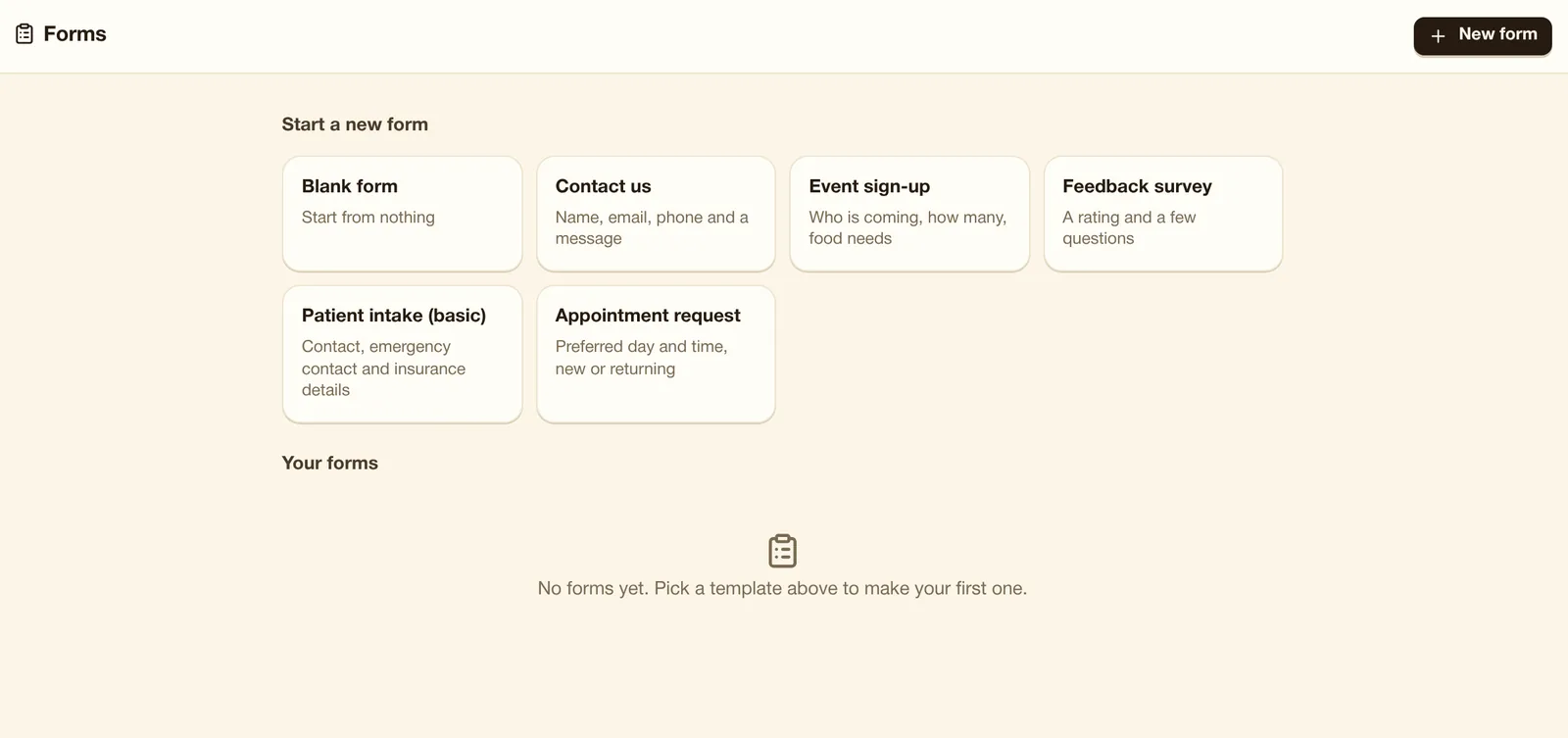
Questions, sharing and answers in one place.
A flow does things for you automatically: when something happens, it checks your conditions and then does the steps you chose.
Pages and sub-pages for everything your team needs to know. Only people in your company can see them.