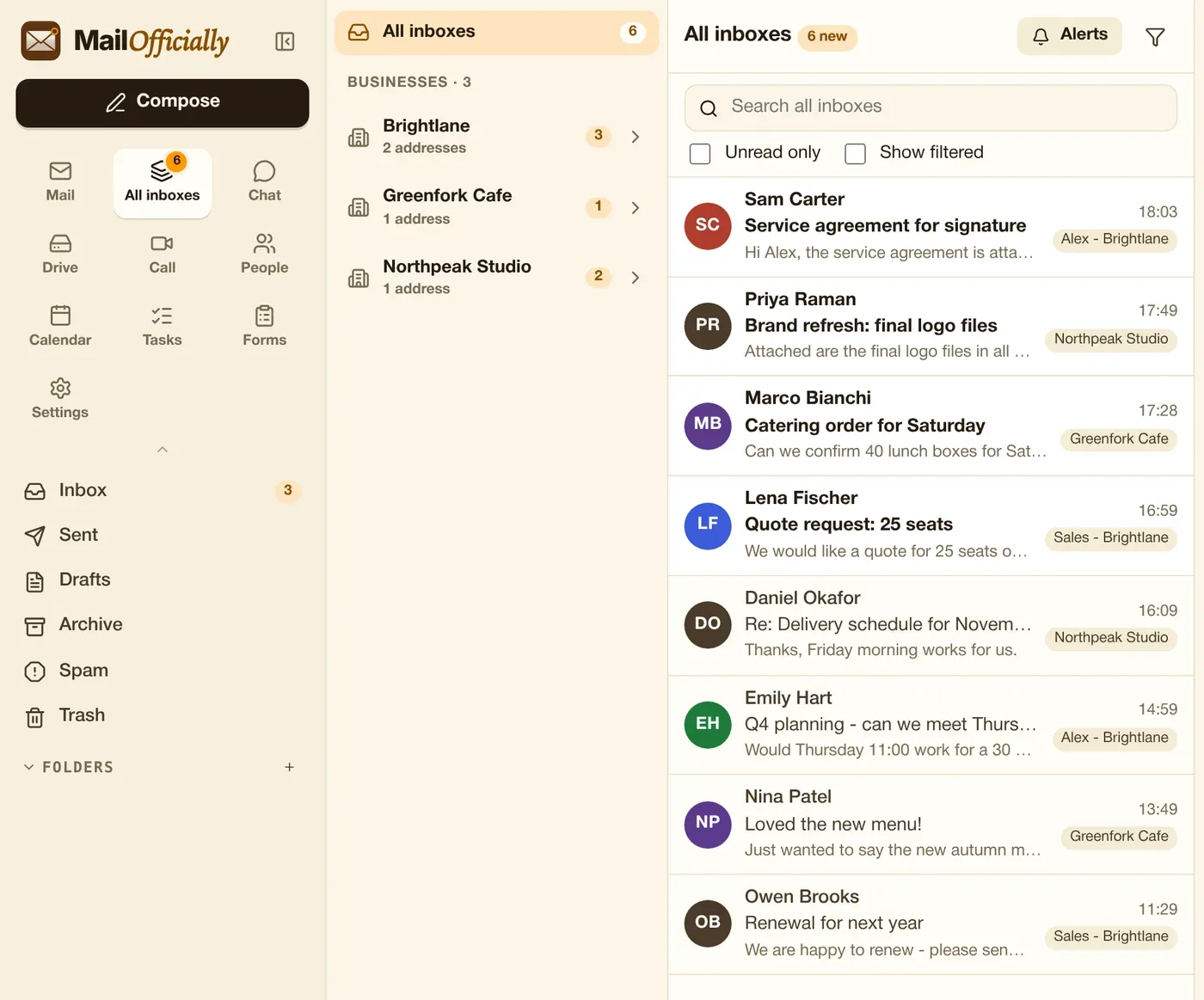
Every mailbox you look after, in one inbox.
Mail from every company you own and every address in one list. Each email shows which business it came to, and replies go out from that address.
Use it when You own a pharmacy, a clinic and a consultancy: read all their mail in one list.
Businesses grouped with their own unread counts; pin the addresses you use most. Open any address to see its full mailbox and folders.
Use it when See unread counts per business and pin the three addresses you use most.
Choose which addresses ring your phone; the rest stay quiet.
Use it when Your phone rings for ceo@ and support@, while billing@ stays quiet.
Hide mail by sender, subject or a whole address (reports, bounces, newsletters). Hidden mail is kept and shows with "Show filtered" or when you open that address.
Use it when Hide daily DMARC reports and bounces from the list, without deleting them.
"Search all inboxes" searches the whole of every linked mailbox, not only recent mail.
Use it when Find an old order across every mailbox you look after, not only recent mail.
Replies, forwards, invitations and snoozes from All inboxes go out from the address the email came to.
Use it when A customer wrote to support@: your reply goes out from support@ automatically.
Signed in to several MailOfficially accounts? Bring them together into one inbox.
Use it when Signed in to two companies' accounts? Combine them into one inbox.
See who is handling an email, leave team notes, and see when a colleague is already replying.
Use it when See that Riley is already replying to a customer, so two people don't answer.
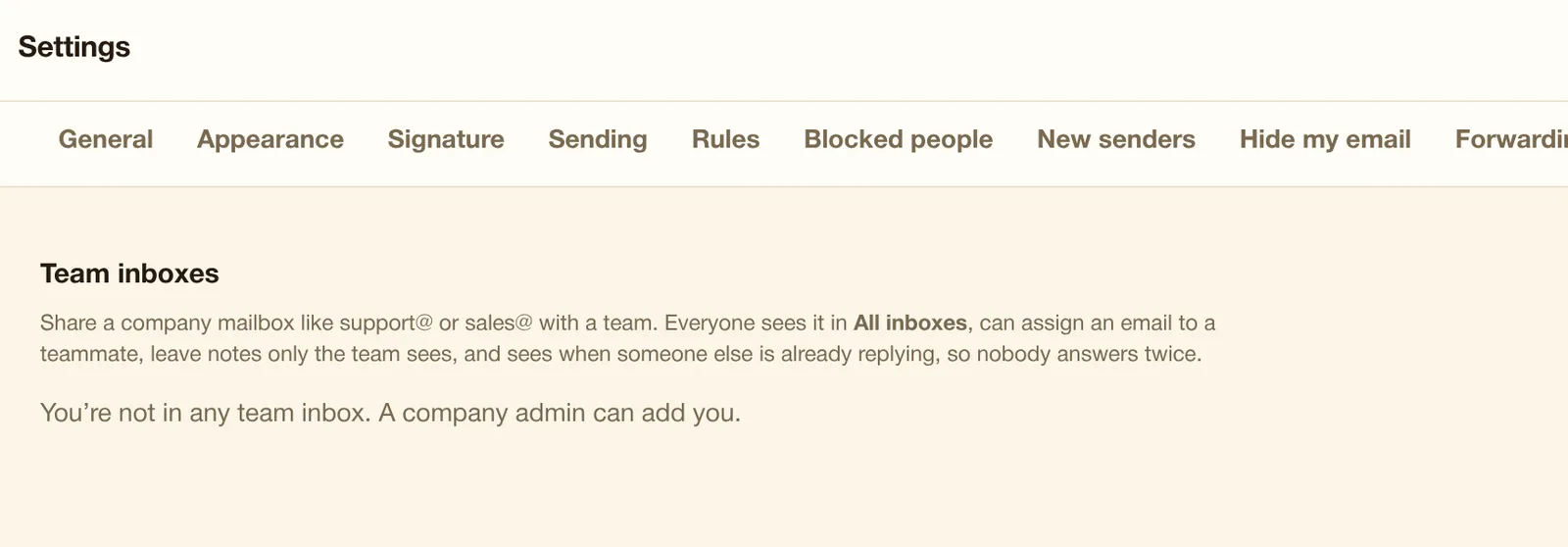
Share a company mailbox like support@ with a team, or let an assistant read and reply for you ("on behalf of"). These show in All inboxes, on every plan.
Use it when Share support@ with 3 colleagues, or let your assistant reply on your behalf.