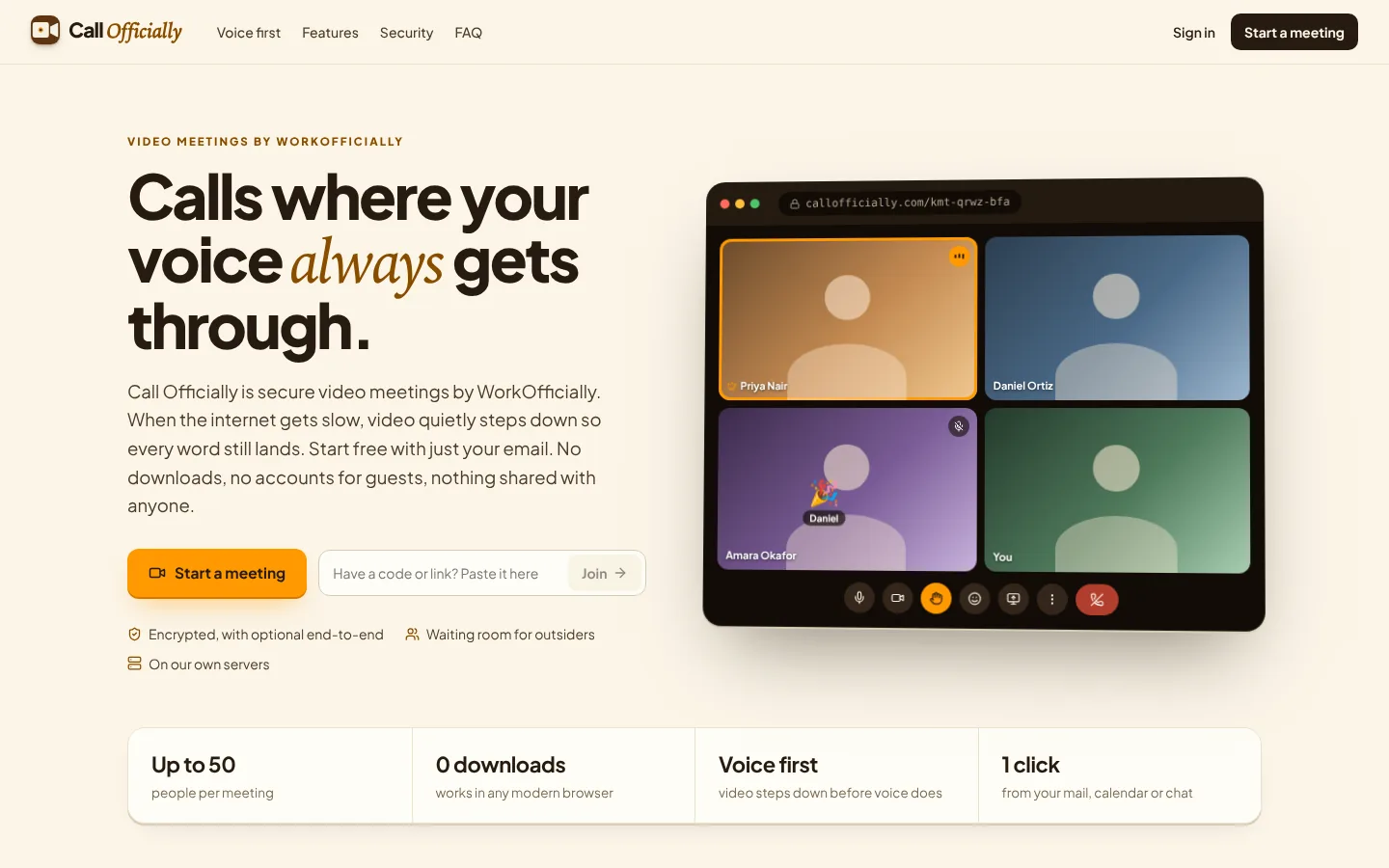
Video meetings without another app.
Start now, create a link for later, or send a calendar invitation with the link. A meetings home shows what is coming up, the meetings you created and your recent calls. Up to 50 people per meeting.
Use it when Start a call now, or schedule Thursday's client meeting with the link in the invitation.
Always the same link. People in your company walk straight in; anyone else asks first. Guests join with just their name, no account or app.
Use it when Clients always use the same link to meet you; colleagues walk straight in.
Choose a custom link for your meetings instead of a random code. Very short links on callofficially.com are available on Enterprise.
Use it when Give clients callofficially.com/your-name instead of a random code.
Invite by email with a calendar invitation, share the link on WhatsApp or text, or ring colleagues so their phone and browser ring with a Join button.
Use it when Ring two colleagues so their phones show Join, or share the link on WhatsApp.
Company only, invited only, or anyone with the link; waiting room, admit all, lock the meeting.
Use it when Board meeting: invited people only, waiting room on, and lock it once everyone is in.
Optional for any meeting. The key lives only in the meeting link, so our servers can't see or hear the call; recording, transcripts, AI notes and phone dial-in are off. Every call is always encrypted between each device and our servers.
Use it when Discussing a merger: turn it on so not even our servers can see or hear the call.
Noise reduction, background blur, screen sharing, reactions, raise hand, layouts, picture-in-picture, video quality up to 1080p.
Use it when Noisy cafe: noise reduction and background blur on, screen shared at 1080p.
Mute everyone, lower hands, co-hosts, remove people, end for everyone.
Use it when Mute everyone for the presentation, then let people raise hands.
Encrypted in-call chat and file sharing up to 64 MB, saved to the owner's Drive.
Use it when Drop the slide deck into the call chat; it is saved to your Drive.
Everyone is told when recording starts; the recording and transcript are saved to Drive and included in the notes email.
Use it when Record the training session for people who missed it, with a searchable transcript.
Who joined, the chat, shared files and, if you choose, the transcript and recording, emailed to everyone or only you.
Use it when Everyone gets who joined, the chat, files and transcript right after the call.
Live polls, anonymous questions with upvotes, and a shared whiteboard you can save.
Use it when Town hall: collect anonymous questions with upvotes and sketch ideas on the whiteboard.
Split the call into rooms with a timer and bring everyone back.
Use it when Workshop of 30 people: split into 5 rooms for 15 minutes, then bring everyone back.
Anyone can start meetings at callofficially.com with an email and a code: up to 60 minutes and 25 people (MailOfficially meetings allow 50).
Use it when A partner without MailOfficially starts a free call at callofficially.com with just their email.